-
-
1.
Introduction
2:28
-
2.
About The Class
4:28
-
3.
Illustrating The Background
5:21
-
4.
Illustrating The Bench
9:28
-
5.
Illustrating The Street Lamp
3:52
-
6.
Illustrating The Trees
4:19
-
7.
Illustrating The Background - Finish It Up
4:08
-
8.
Illustrating The Ghost
8:04
-
9.
Illustrating The Skateboard
8:18
-
10.
Intro to Procreate Dreams
11:10
-
11.
Animating The Skateboard
13:21
-
12.
Animating The Ghost
7:21
-
13.
Animating The Lightbugs
14:26
-
14.
Animating The Leaves
10:11
-
15.
Export Your Animation
4:31
-
16.
Final Thoughts
1:08
-
Animate Your Illustrations - Procreate Dreams 2 For Beginners
The Artmother, Professional Art Teacher and Artist
About This Class
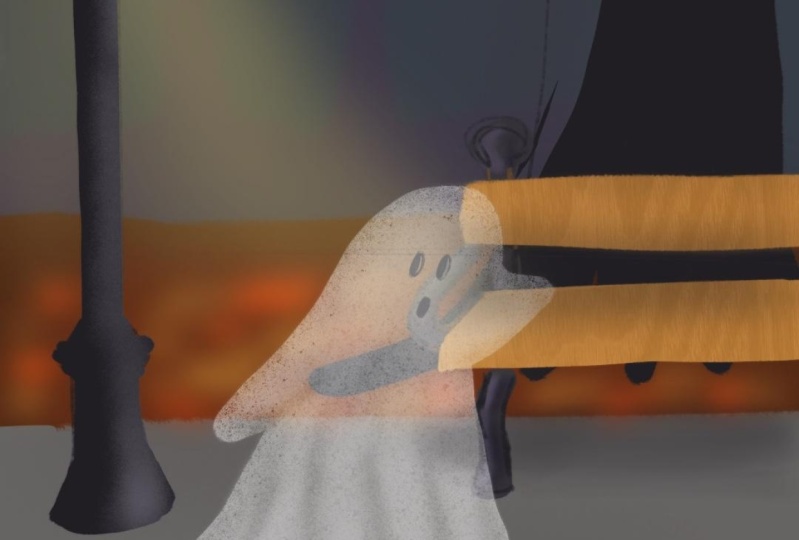
Are you ready to bring your illustrations to life? In Animate Your Illustrations - Procreate Dreams 2 for Beginners, you’ll discover how to create dynamic animations from your own artwork using Procreate Dreams. This class is perfect for illustrators or anyone new to animation who wants to add movement, personality, and storytelling to their illustrations.
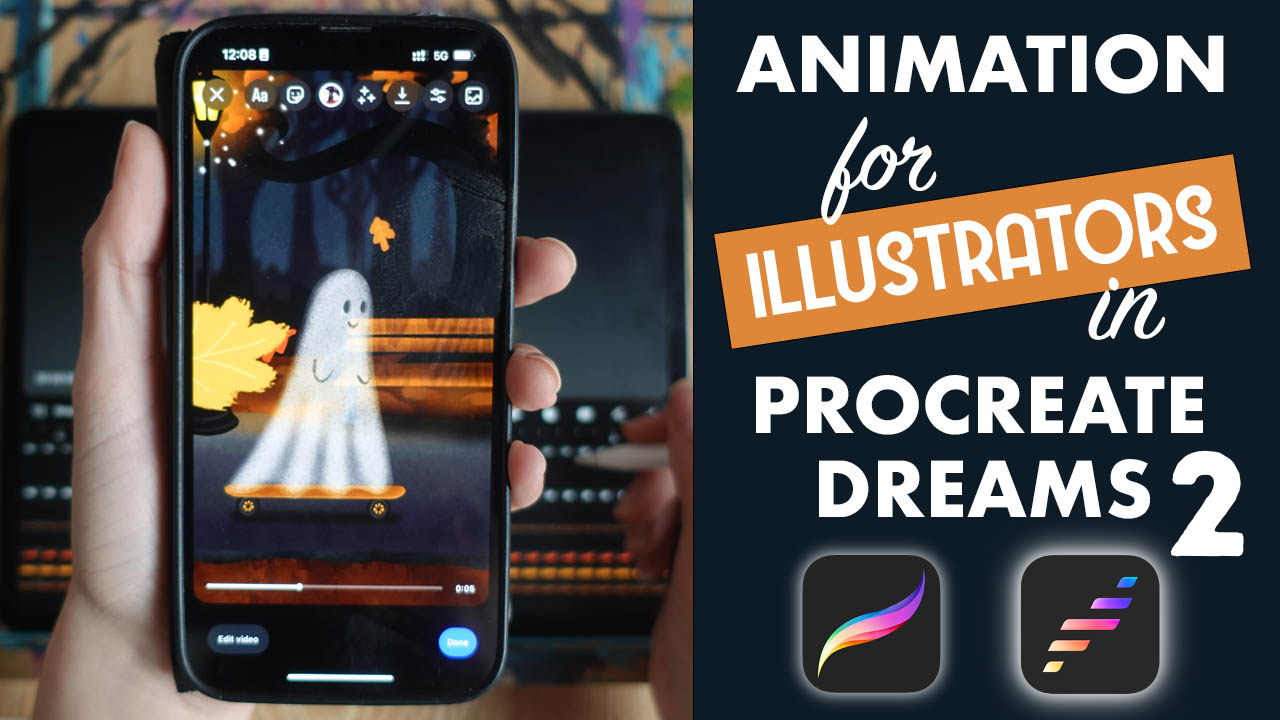
This class has been completely updated to Procreate Dreams 2!
In this beginner-friendly class, I'll walk you through the entire process—from planning and sketching to animating a simple scene and exporting your final piece. Whether you’re looking to elevate your creative portfolio, experiment with new skills, or add a playful touch to your illustrations, this class will guide you through every step with ease.
What You Will Learn
By the end of this class, you’ll know how to:
- Use Procreate Dreams 2 to animate your illustrations.
- Set up your animation timeline and keyframes.
- Keyframing, layering motion, recording motion, the flip book method and painting in Procreate Dreams.
- Add motion to objects, characters, and backgrounds.
- Export and share your animations for social media or your portfolio.
Why You Should Take This Class
Animation adds a new dimension to your illustrations, making them more engaging and expressive. Whether you’re an artist, designer, or content creator, knowing how to animate your illustrations opens up exciting creative possibilities. With Procreate Dreams, you don’t need prior animation experience—just a desire to learn and experiment. This class makes animation accessible, fun, and easy to incorporate into your creative practice.
Who This Class is For
This class is designed for beginners with no prior animation experience. It's perfect for illustrators, graphic designers, or anyone who loves drawing and wants to explore animation. If you’re familiar with Procreate, this class will introduce you to Procreate Dreams, but even if you’re new to both, you’ll be able to follow along!
Materials/Resources
You’ll need:
- An iPad with Procreate Dreams 2 and Procreate installed.
- A stylus (Apple Pencil recommended for precision).
- Your imagination and creativity!
I am so excited to have you here!
Let's get started
Class Projects Show All (38)
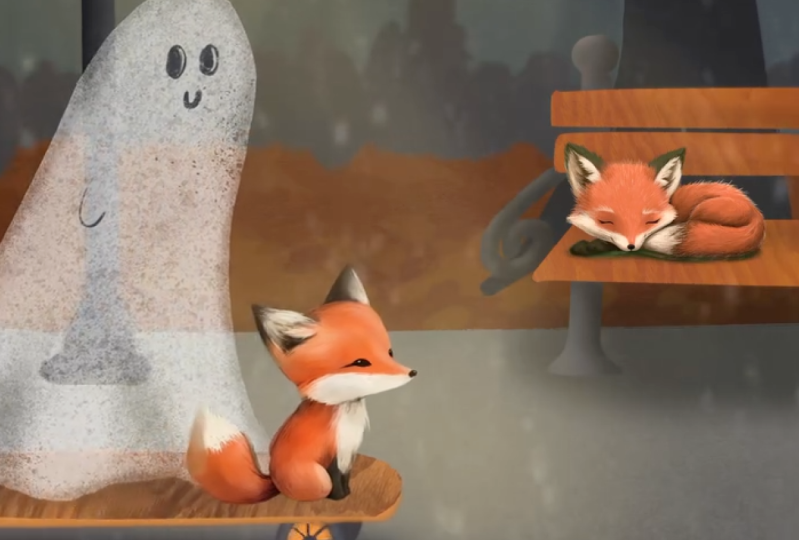


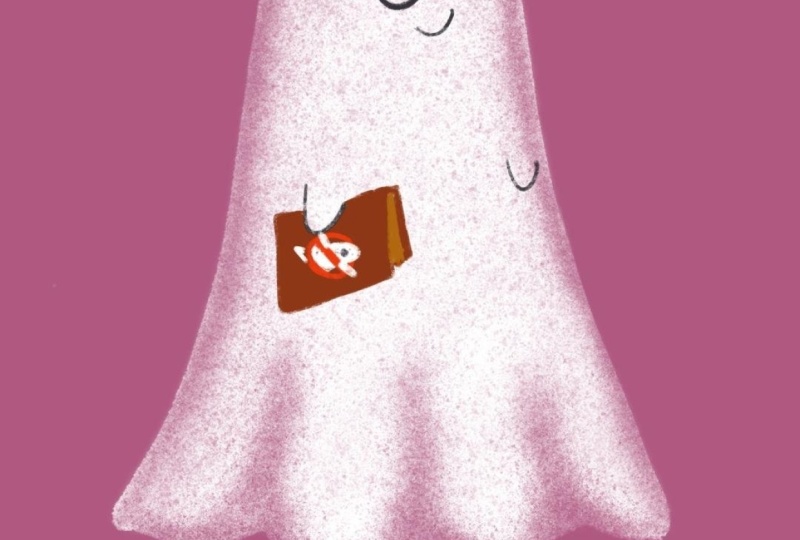
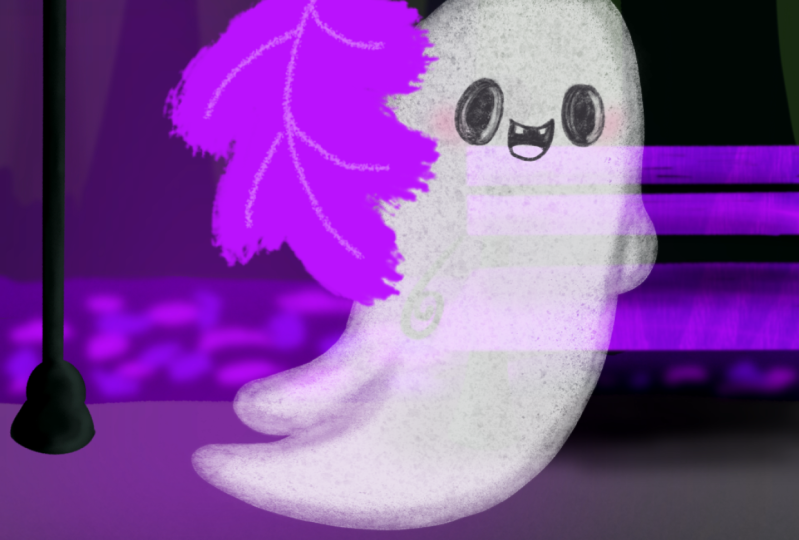
Please note that this class is provided for personal educational, informational and convenience purposes only, is general in nature and is not intended as a substitute for professional, legal, or medical advice. Read more about this in our Terms of Service.