-
-
1.
Introduction
2:22
-
2.
Class Project
0:50
-
3.
What is a Sell Sheet?
10:33
-
4.
Document Setup
4:47
-
5.
The Text Group
10:04
-
6.
The Colour Swatches Group
5:06
-
7.
The Single Pattern Group
7:05
-
8.
The Single Illustration Group
7:13
-
9.
The Print and Pattern
5:29
-
10.
The Collection Group
7:20
-
11.
Saving and Exporting
6:49
-
12.
Next Steps
4:58
-
Simple Sell Sheets for your Surface Pattern Design and Illustration Portfolio
Rebecca Flaherty, Surface Pattern Artist & Content Creator
About This Class
Are you ready to start putting your surface pattern design portfolio together? Learn how to make simple sell sheet templates for showcasing your artwork to potential clients.
When everything is new to you and there are so many aspects to learn when it comes to running an "online-arty-business," it can feel massively overwhelming.
A google image search might reveal some very flashy and complicated sell sheets or even look books, but you don’t need to be fancy; you just need to make a start and that is what you will have done by the end of this class!
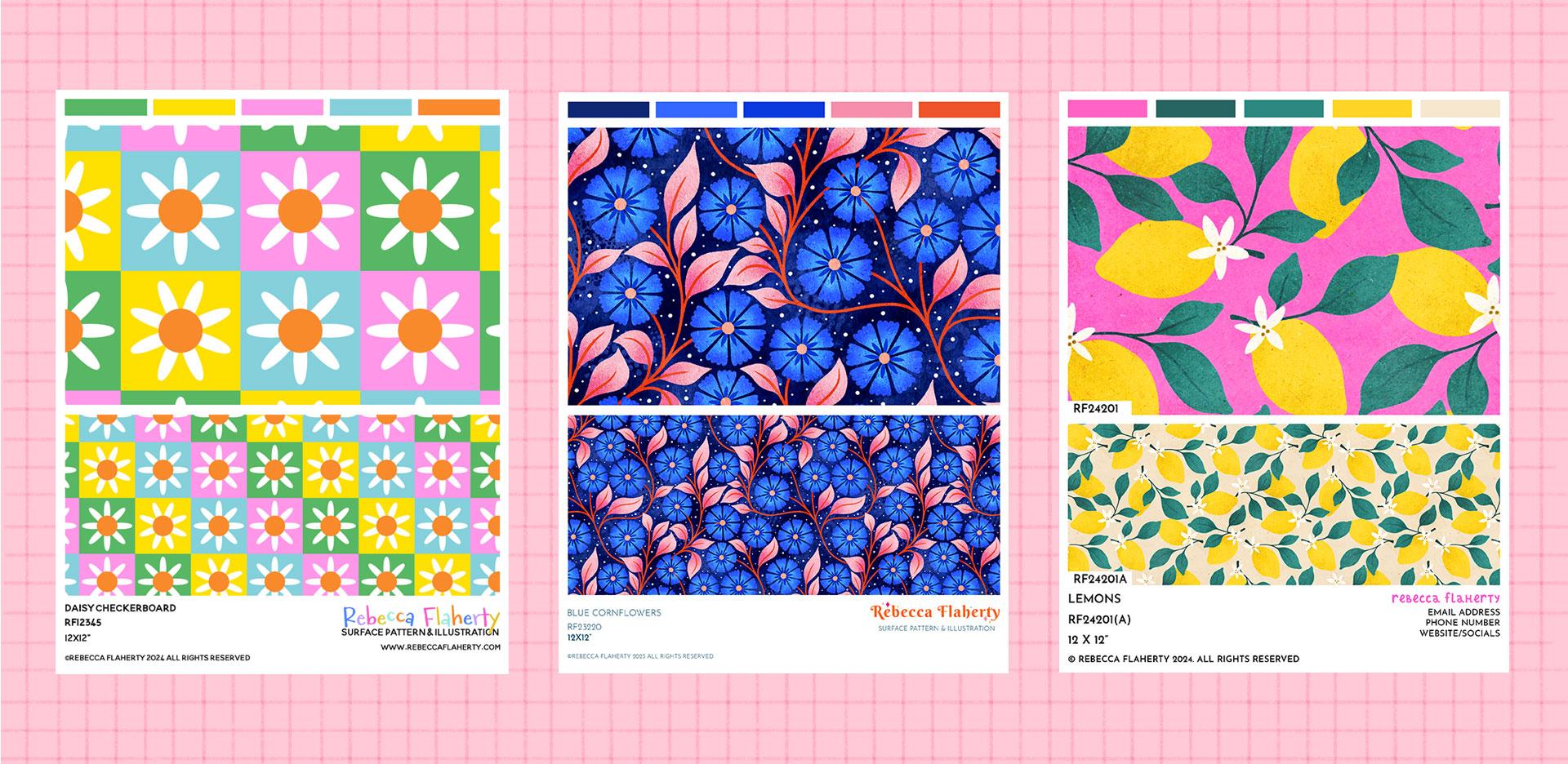
The simple sell sheet layouts that I’m going to teach you to make are the exact same ones I still use in my online portfolio.
If you have a handful of patterns or illustrations sat on your computer and ready for the world to see, then consider this class as the next step in their journey!

WHAT YOU WILL LEARN
We’ll start with the basics and cover:
- What is a sell sheet?
- Where do I use them?
- How do I use them?
- What information needs to go on a sell sheet?
Once you know exactly what a sell sheet is and what needs to go on it, we’ll get started with making one!
We’re going to learn how to set up a master, “do it once and do it well” multipurpose sell sheet template that you can quickly drop any design in to.
We’ll be using Photoshop but you could use different software if you are more familiar with something else!
You’ll be making a multi-layered template that can be used for:
- Patterns or illustrations
- Collections or single pieces
- Showing off different colour ways
- Showing off different scales
- Printing high-res or sharing online at lower resolution
- Using to build an online portfolio
Professional sell sheets are a must if you want to get started licensing your artwork.
When I started out I made the mistake of thinking I had to design a whole new sell sheet for every single design or collection I ever made.
(Which occasionally took more time than making the piece of art in the first place!)
By creating a simple template that can easily be integrated into your workflow, you can ditch the analysis paralysis, get your designs out there and in front of potential clients and then get back to working on the next design!
There are hundreds of ways and styles to make sell sheets. Every artist or designer will have their own way of making them, as will you once you’ve taken this class and adapted the layouts to suit your own needs and preferences!
We’ll be starting with the basics that every sell sheet should have as well as a few optional extras and then you can take what you’ve learned and use it to create your own simple templates that you can use over and over again.
Who is this class for?
I don’t want to overcomplicate things for this class. I’m keeping it at a very beginner friendly level and it is for students who are just getting started in their surface pattern design or illustration journey. I’m going to cover all the basics of what a sell sheet is and what needs to go on it.
If you are at the stage where you have art or patterns to go on a sell sheet, then I’m going to assume you have a basic knowledge of the software you used to make the artwork! I’ll be using Photoshop for this class, using basic tools and features like layers, groups, guidelines and pattern fills, which I’ll explain as we work our way through. As previously mentioned, you could follow along but use different software if you have something else that you are already using and are more familiar with, such as Affinity Designer or Adobe Illustrator. Whilst it's not impossible to use Procreate, you might find it tricky to align things perfectly, so you might want to try something else. There are a few free online tools you could use like Canvas or Adobe Express.
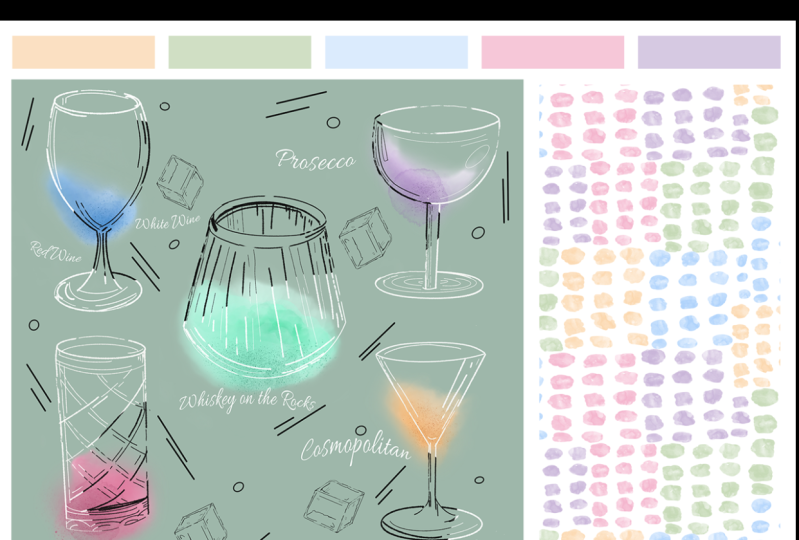
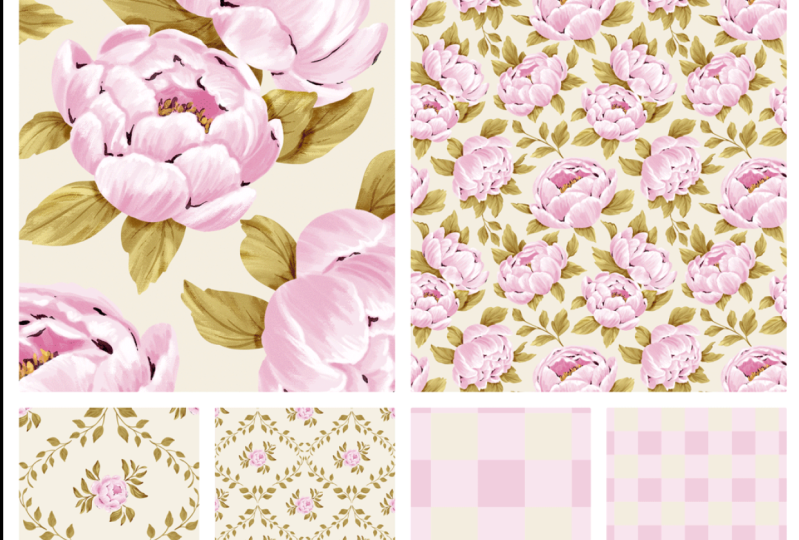
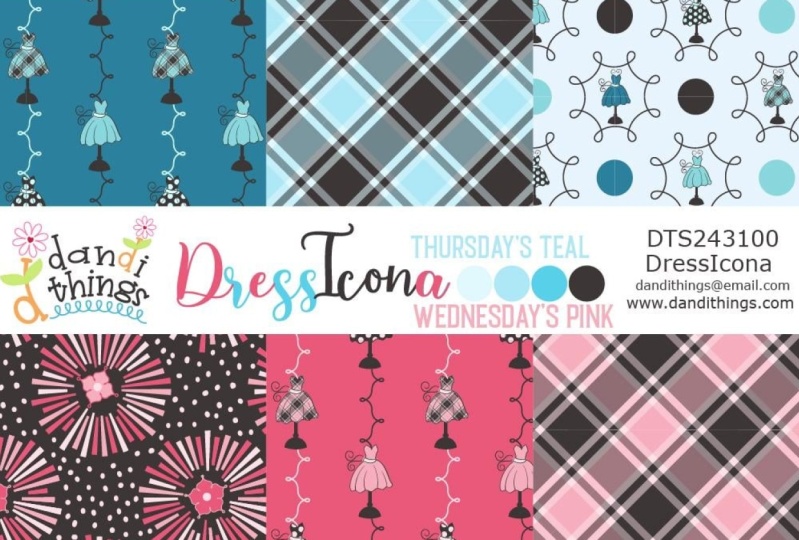
Class Projects Show All (39)
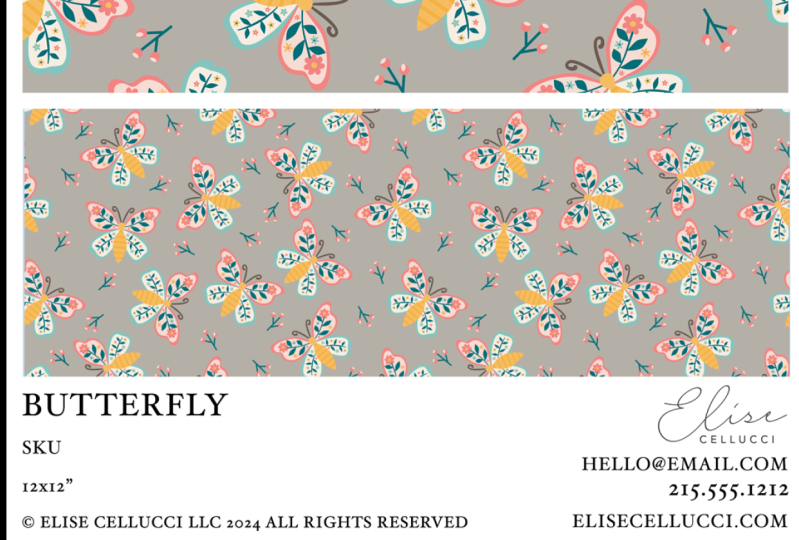
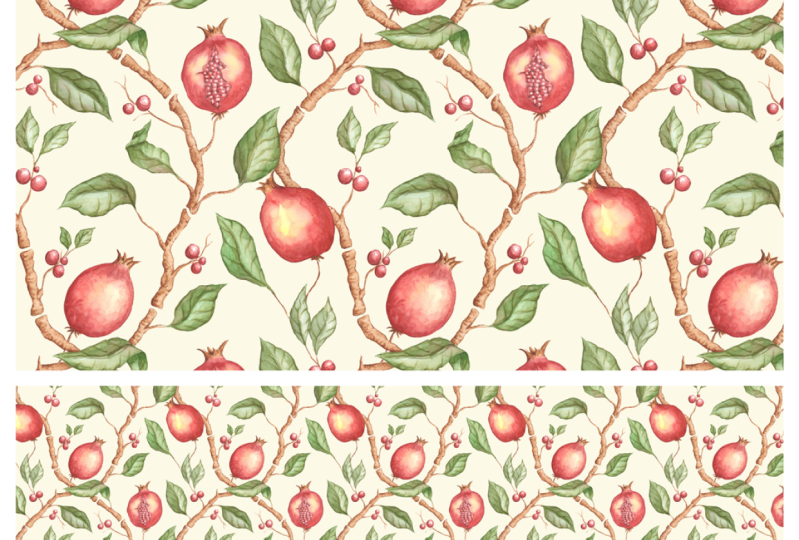
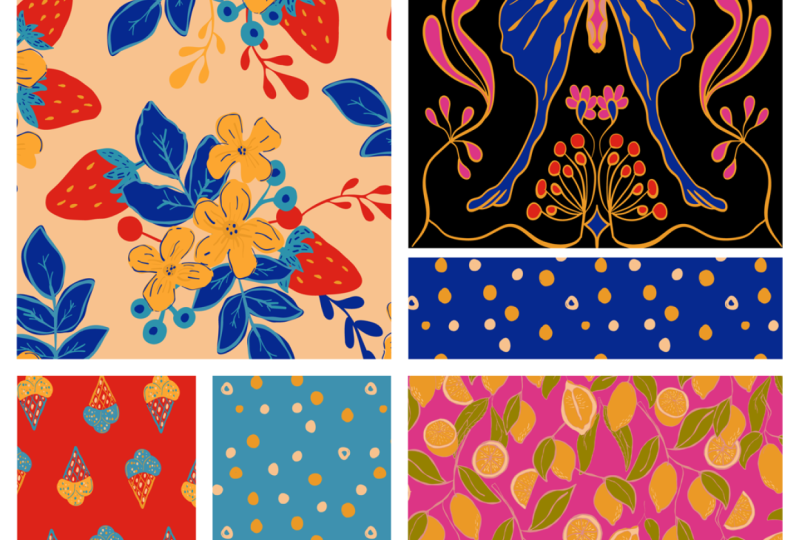
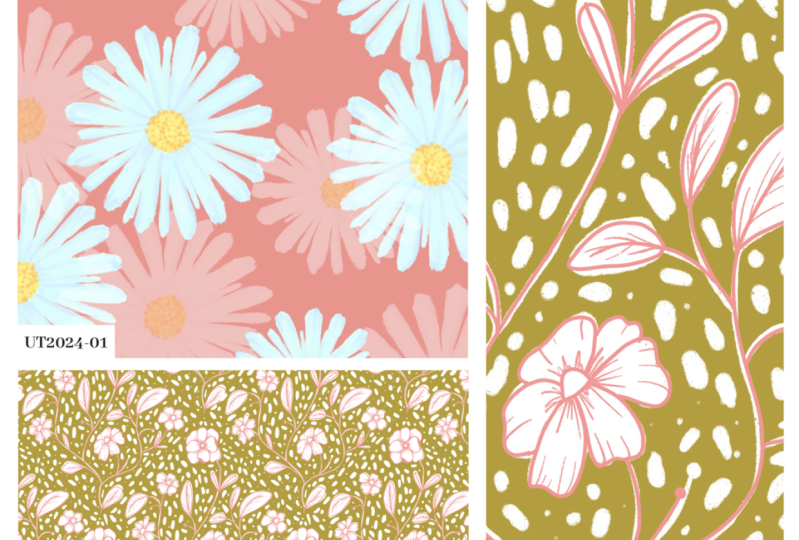
Please note that this class is provided for personal educational, informational and convenience purposes only, is general in nature and is not intended as a substitute for professional, legal, or medical advice. Read more about this in our Terms of Service.