-
-
1.
Nomad Sculpt Beginner Tutorial
1:25
-
2.
Class Project
0:30
-
3.
Gettign Started: Jar
5:25
-
4.
Arms & Legs
7:25
-
5.
Whipped Cream
5:08
-
6.
Mouth
10:03
-
7.
Teeth & Tongue & Straw
7:10
-
8.
Lighting & Post Process
8:02
-
9.
Color & Rendering
9:55
-
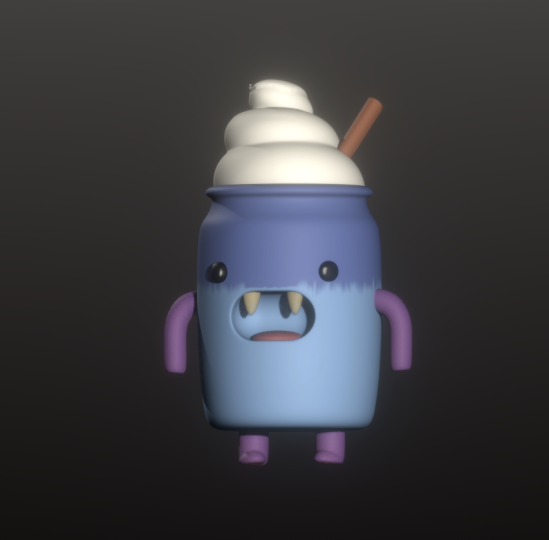
Nomad Sculpt Beginner Tutorial: Kawaii Jar Character
Dave Reed, 2D & 3D Illustrator - Brooklyn, NY
About This Class
Welcome Artists!
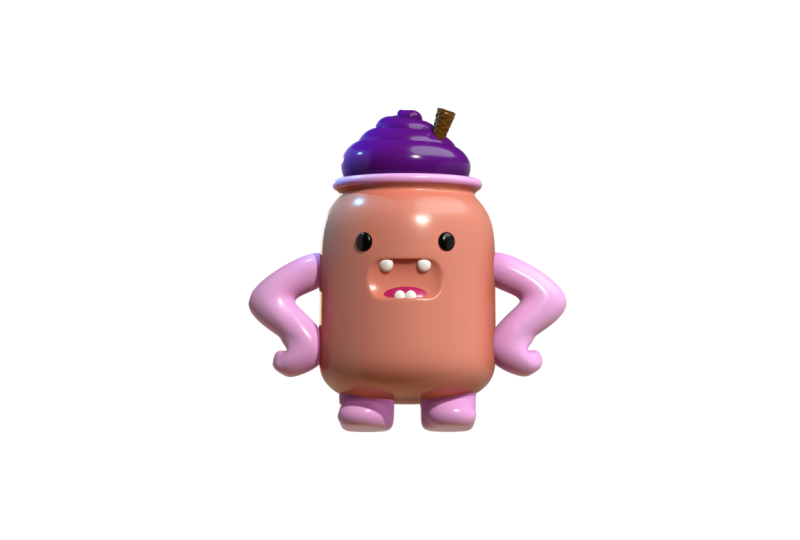
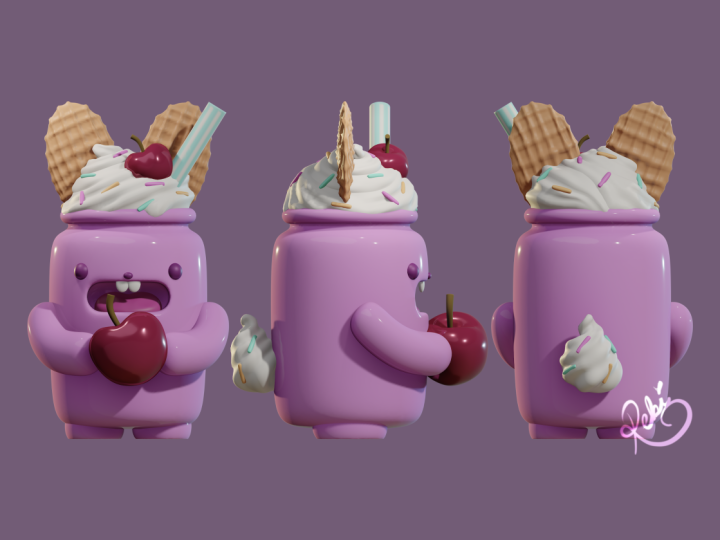
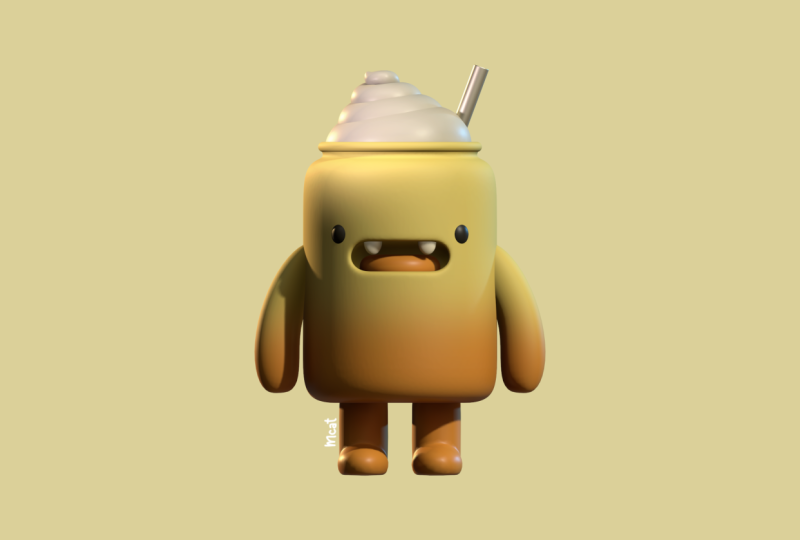
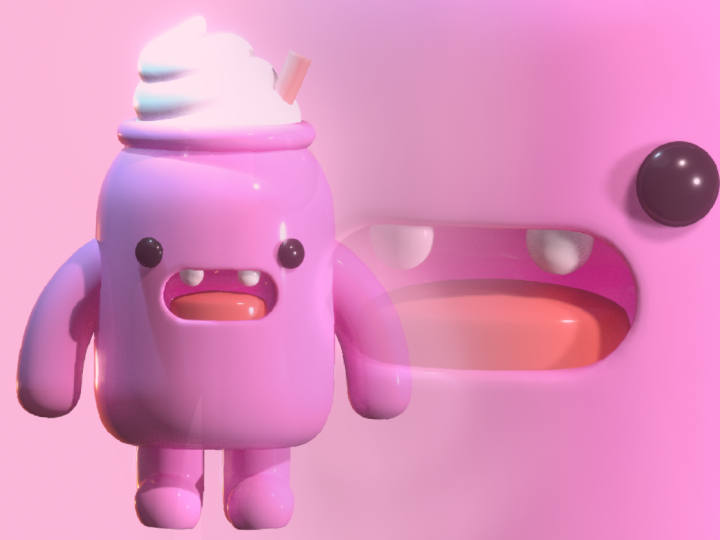
In this class, you’ll create a cute pink kawaii jar character from start to finish using Nomad Sculpt. We’ll keep things simple and approachable while covering key tools like the lathe tool, tube tool, voxel remesh, and Booleans—all in a way that helps you get comfortable building in 3D. You can follow along exactly or make your own changes as you go, so by the end you’ll have a finished character and a workflow you can use for future projects.
What you’ll need:
- Nomad Sculpt application
- An iPad or Android tablet that can run Nomad Sculpt (it is also available on PC, though I haven’t used it there)
- I’ll be working on an iPad Pro M2 with 8GB RAM
Class Projects Show All (21)

14 likes
3 comments
8 likes
1 comment

8 likes
1 comment

8 likes
2 comments
6 likes
6 likes
5 likes
5 likes
Please note that this class is provided for personal educational, informational and convenience purposes only, is general in nature and is not intended as a substitute for professional, legal, or medical advice. Read more about this in our Terms of Service.