-
-
1.
Introduction
1:55
-
2.
Downloading the Project Files
0:52
-
3.
Setting Up the Document
5:49
-
4.
Setting Up the Guides
3:54
-
5.
Adding the Shapes
7:01
-
6.
Adding the Images
10:04
-
7.
Formatting the Text
7:35
-
8.
Placing the Remaining text
4:25
-
9.
Paragraph & Character Styles
5:58
-
10.
Applying the Styles
4:35
-
11.
Saving & Exporting
2:41
-
12.
What's Next?
0:59
-
Learn Adobe InDesign: By Creating a Recipe Card
Kate Silver, Graphic Designer & Adobe Instructor
About This Class
Learn Adobe InDesign CC for Beginners: Create a Cookbook layout with Grids, Paragraph Styles, Resizing Images, Shortcuts, Content Aware Fit & export it to a PDF.
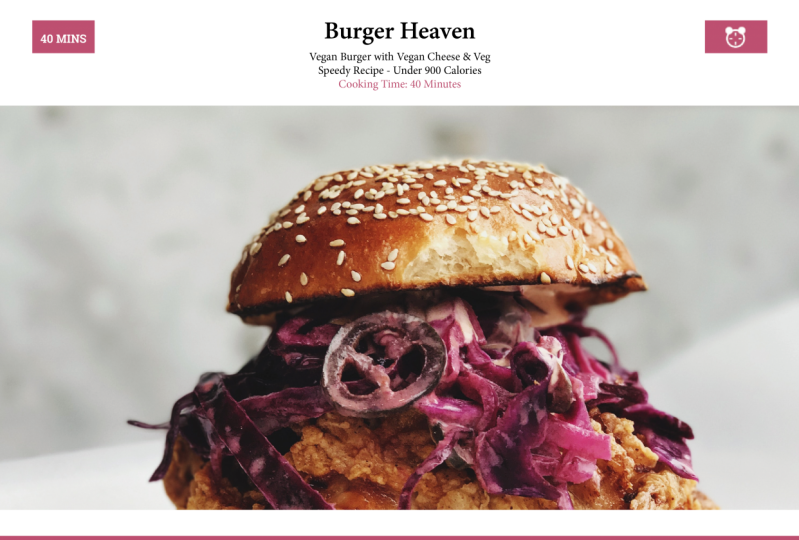
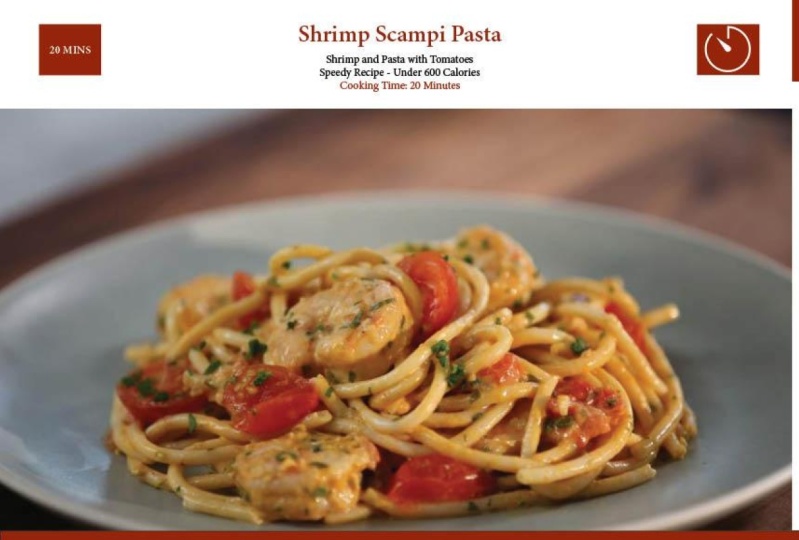
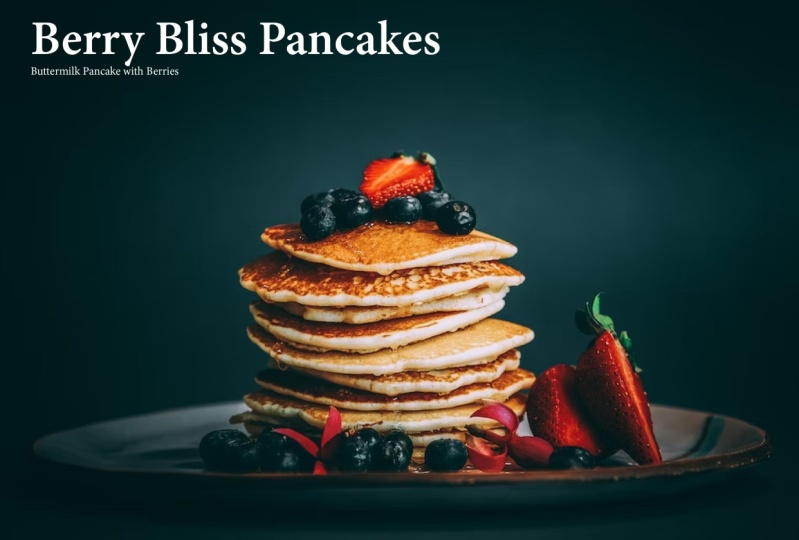
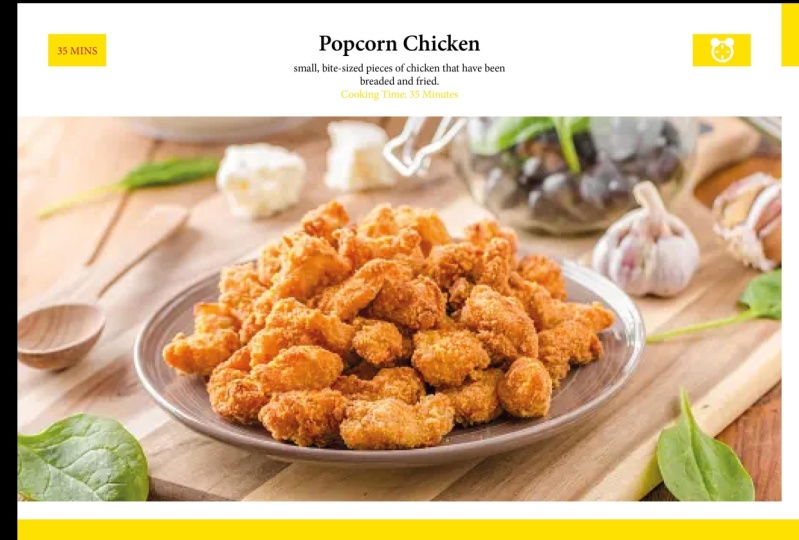
We will learn a whole bunch of InDesign skills by creating a 2 page spread Recipe Card.
It is especially a great introduction to InDesign's Paragraph & Character Styles- One of the most useful tools for Text and Typography.
What we will cover:
- Setting up a Document
- Guides
- Shortcuts
- Tools
- Shapes
- Colors for Print/Web
- CMYK / RGB
- Images
- Fit to Frame
- Gridify
- Duplicating
- Typography
- Paragraph & Character Styles
- Saving & Exporting
Are you ready to create your own Recipe Layout?
Note: To download the course files please go to the 'Projects & Resources' Tab
Class Projects Show All (19)


Please note that this class is provided for personal educational, informational and convenience purposes only, is general in nature and is not intended as a substitute for professional, legal, or medical advice. Read more about this in our Terms of Service.