-
-
1.
Introduction
1:52
-
2.
My Journey & Class Overview
2:50
-
3.
Class Project
1:19
-
4.
What is SPD or Surface Pattern Design?
10:21
-
5.
File Formats, Document size, Resolution and Color modes
9:26
-
6.
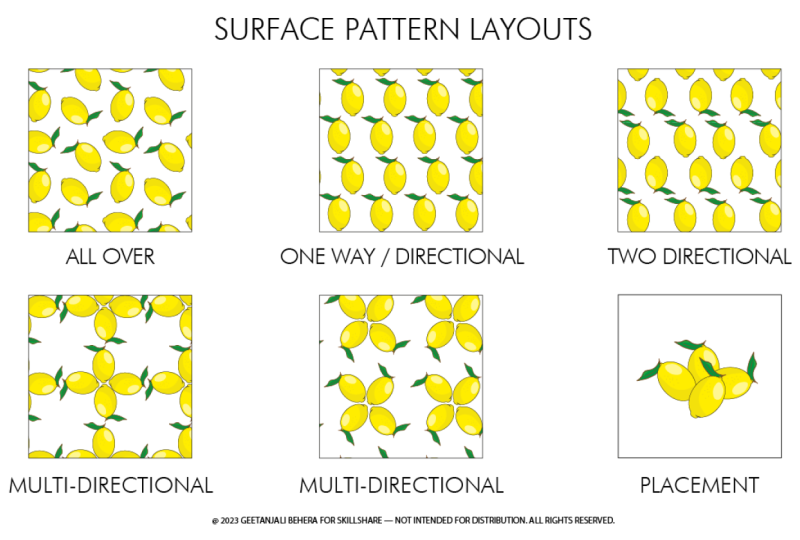
Surface Pattern Layouts
3:06
-
7.
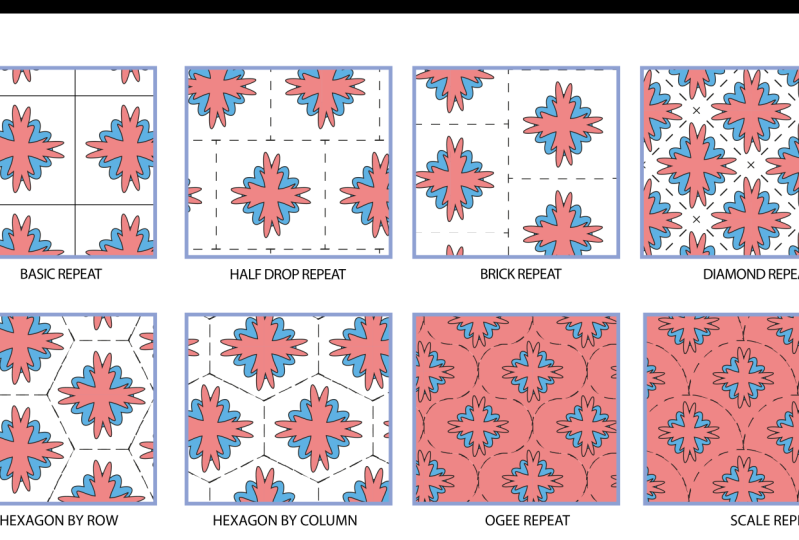
Surface Pattern Repeats
4:31
-
8.
Pattern Tile and Pattern Swatch
3:30
-
9.
Understanding the Pattern Option Tool
6:49
-
10.
Creating Multiple Pattern Layouts
5:49
-
11.
Creating Multiple Pattern Repeats
10:08
-
12.
How to Save, Resize and Export a Pattern Swatch
6:05
-
13.
Spoonflower Repeat Options
5:01
-
14.
Uploading Designs on Spoonflower
6:37
-
15.
Marketing and Selling on Spoonflower
5:46
-
16.
Final Thoughts
1:28
-
How to Take a Creative Approach to Patterns : An Introduction to Surface Pattern Design
Geetanjali Behera, Surface Pattern Designer | Illustrator
About This Class
Surface pattern design is one of the most popular creative career options today. With the help of design programs like Adobe illustrator, photoshop, procreate and more you can design seamless patterns and license them to companies around the world. You can even earn commissions by uploading them on Print on demand sites like Spoonflower, Society 6, Red bubble and more…
As a self taught surface pattern designer I tend to experiment a lot with my technical skills to get the best results in the smartest way possible. In this class I am going to share all the knowledge and work flow with you!
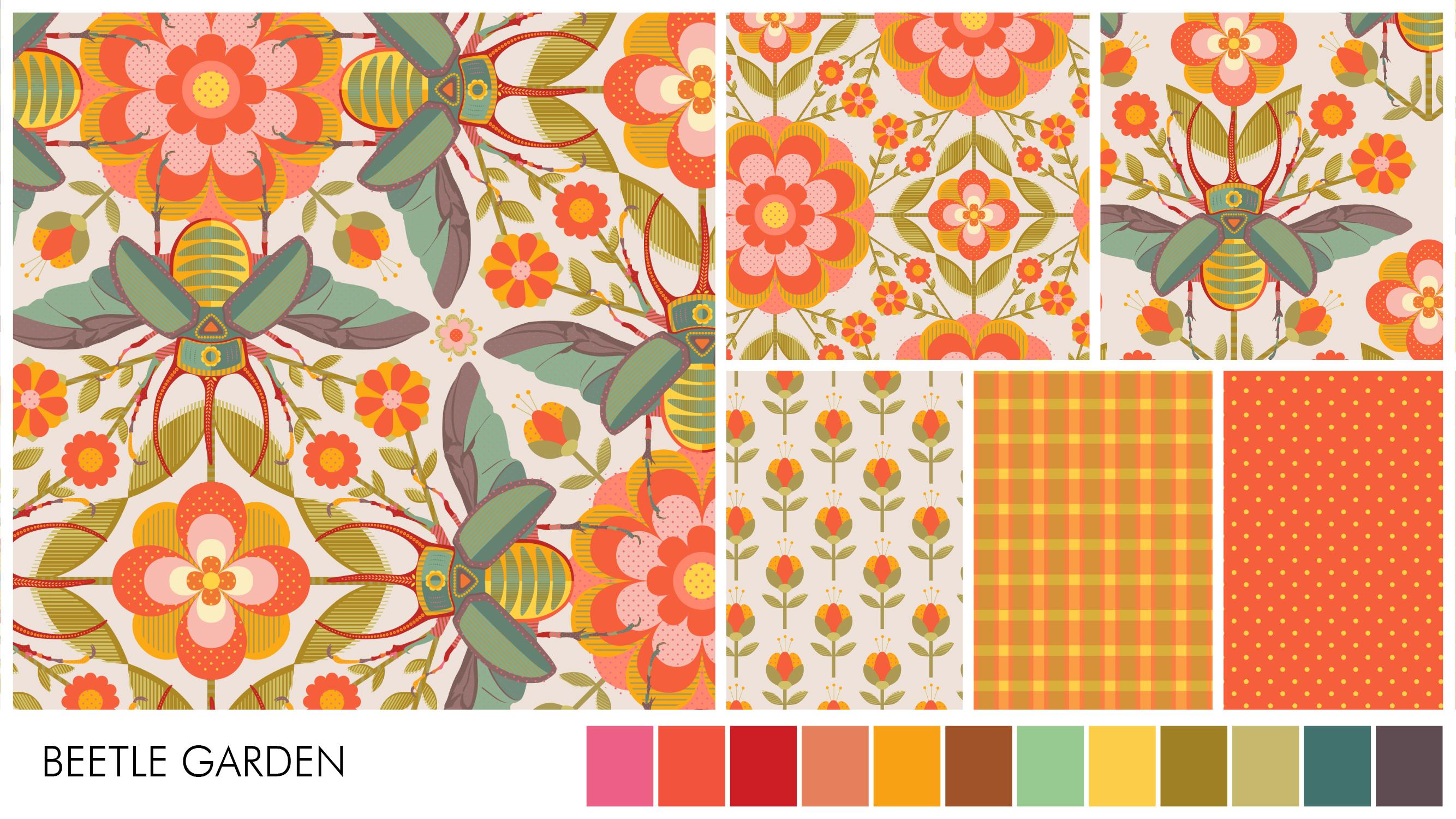
This course is designed for aspiring as well as experienced surface pattern designers who want to develop a workflow that not only will suit their style of art but also allow them to choose any layout and repeat type without worrying about the mathematical calculations.
PLEASE NOTE: This is the first class in this series and I will continue creating classes on "How to Take a Creative Approach to Patterns" with new and exciting work flow in each Class.
We will start with the fundamentals of surface pattern design and slowly move on to creating simple patterns using just one motif. By the end of this class you will have fourteen different patterns with multiple layout and repeat types.
IN THIS CLASS YOU WILL LEARN:
- SPD or Surface pattern design and its terminology.
- File formats, document size, resolution and color modes
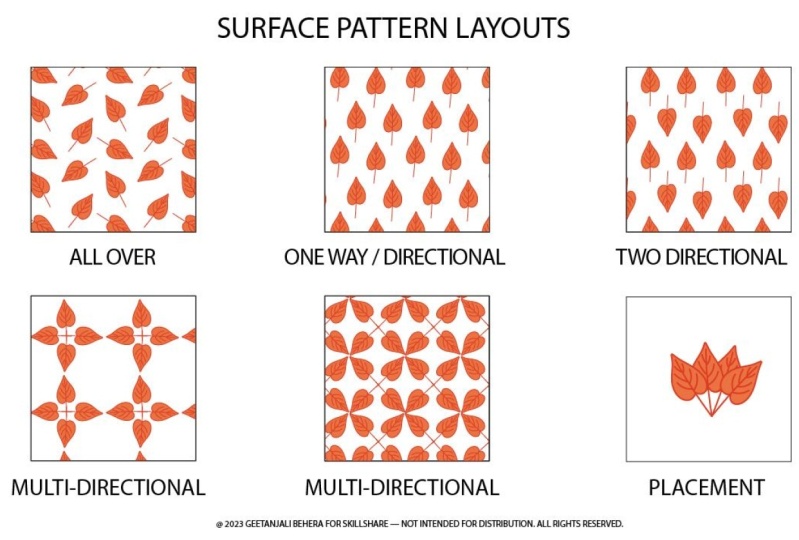
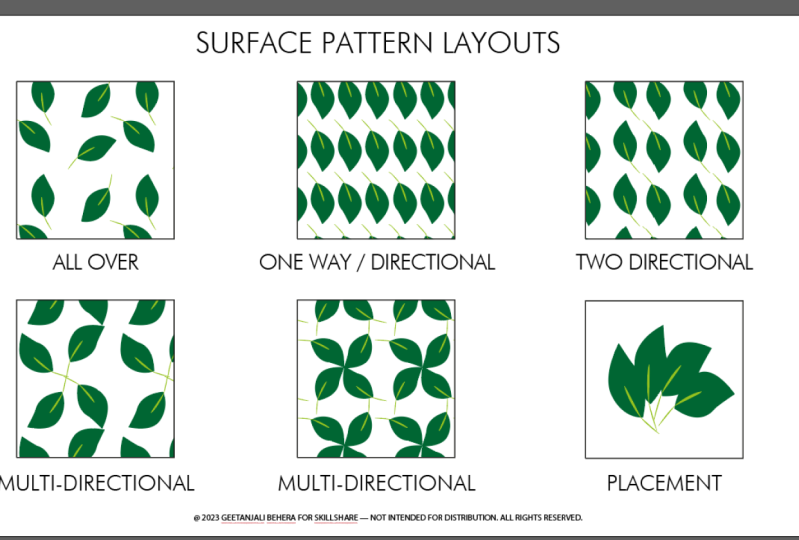
- Different types of Surface pattern Layout
- 10 most commonly used Surface pattern repeats
- What is a pattern tile
- What is a pattern swatch
- Understanding the Pattern option tool
- How to save, resize and export and pattern swatch
- Repeat options in Spoonflower
- Uploading designs on spoonflower
This class is suitable for all skill levels, however some basic knowledge of surface pattern design is helpful.
WHAT YOU'LL NEED:
- Adobe Illustrator (begin a free trial here)
- A Wacom tablet ( optional)
Start your Print on demand journey with:
For useful resources and tools Check out this amazing site
Surface Design News by Stacie Dale
Thank you !! ❤️
Class Projects Show All (44)


Please note that this class is provided for personal educational, informational and convenience purposes only, is general in nature and is not intended as a substitute for professional, legal, or medical advice. Read more about this in our Terms of Service.