-
-
1.
Welcome!
2:00
-
2.
Document Setup
4:08
-
3.
First Pencil Sketch
10:27
-
4.
Points of Tension
3:59
-
5.
Flourish Sketching
18:22
-
6.
Refined Pencil Sketch
9:24
-
7.
Calligraphy Pen "Inking"
9:15
-
8.
Layout Refinements
4:51
-
9.
Finishing Touches
5:00
-
10.
Color!
5:06
-
11.
Thank You + My Glove
1:18
-
12.
Can You Do Me A Favor?
0:52
-
Flourished Calligraphy Layouts in Procreate
Molly Suber Thorpe, Calligrapher & Designer
About This Class
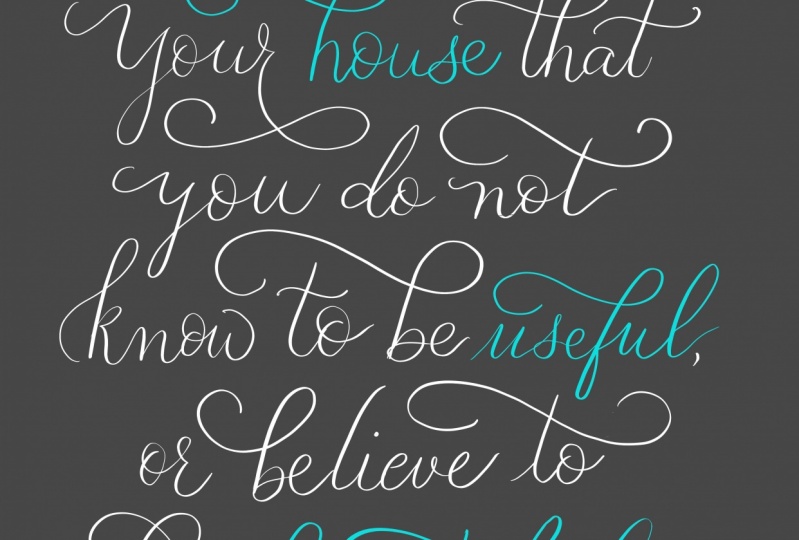
This project-based class is a guided demonstration of a flourished calligraphy layout using an iPad Pro and Procreate.
The demonstration is start-to-finish, and filled with my commentary every step of the way. I show you how I set up my document, make a rough pencil sketch, refine my sketches, draw in flourishes, "ink" it with a calligraphy brush, polish the final design, and recolor it.
This class is very relaxed. I wanted it to reflect the actual design process of a professional calligrapher creating a polished design, from sketch through final artwork. I show all of my work, leaving nothing out, so you can watch me make every stroke...and erase every mistake.
Prerequisites: This class is for students who already have some experience with Procreate lettering. If you need to learn the ropes first, start with my comprehensive beginner's class: Procreate for Absolute Beginners.
Downloadables: I've included the Procreate calligraphy brush and guide sheet that I use, as well as the layered Photoshop file of my finished design. These are available to students as free downloads in the Your Project section. They are intended for personal use only.
_________________________
➤ Useful links:
+ Articles:
- My Favorite iPad Tools & Apps
- Procreate Support Forum for general questions about the app
+ Procreate brushes & add-ons:
- My Ultimate Lettering & Calligraphy Procreate Kit
- Browse all my Procreate brush packs
- Free brushes and lettering practice sheets at Molly’s Lettering Toolkit
+ iPad Accessories:
- SmudgeGuard Touchscreen Gloves (not an affiliate link; I just love these gloves!)
- My iPad Smart Cover
- The most popular screen protector among iPad artists
_________________________
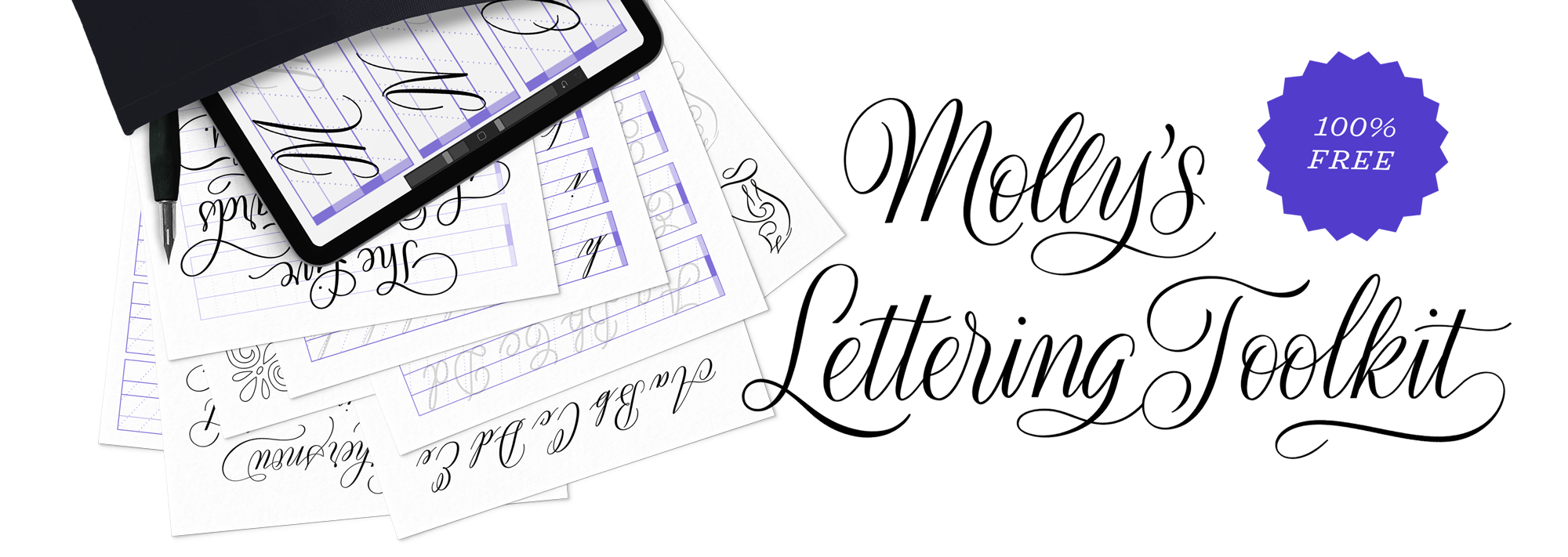
Get my FREE Lettering Toolkit, including practice sheets, lettering guides, and Procreate brushes, at mollysletteringtoolkit.com
_________________________
➤ More tutorials:
+ My calligraphy books offer more lessons and inspiration
+ My YouTube channel is full of free, bite-sized tutorials, and I upload a new video every Friday!
+ My other Skillshare classes are all about hand lettering, from how to digitize calligraphy and make flourished layouts, to mastering the art of lettering on the iPad.
_________________________
+ Tag me in your projects on Instagram: @mollysuberthorpe. I'd love to have a peek at your work!
+ Sign up for my Workshop News Bulletin to stay informed about my upcoming, in-person classes.
+ Visit Calligrafile.com, my massive online resource guide for lettering artists and creative freelancers, with 1,000+ recommended supplies, books, online classes, and helpful links.
_________________________
Some of the links above are affiliate links.
Class Projects Show All (34)


Please note that this class is provided for personal educational, informational and convenience purposes only, is general in nature and is not intended as a substitute for professional, legal, or medical advice. Read more about this in our Terms of Service.