-
-
1.
Introduction
1:54
-
2.
The Class Project
1:16
-
3.
Setting up Your Canvas and Quick Procreate Tour
13:03
-
4.
Creating your Unique Colour Palette
9:16
-
5.
Painting the Background
4:56
-
6.
The Liquify Tool
4:34
-
7.
Using the Colour Tools
5:47
-
8.
Using an Alternative Colour Palette
3:23
-
9.
Drawing the Lines
11:58
-
10.
Adding Crystals
9:50
-
11.
The Final Details
5:19
-
12.
Exporting Your Design
4:03
-
13.
It's Project Time
0:49
-
14.
Final Thoughts
1:02
-
Draw Beautiful and Unique Geode Patterns in Procreate
Hattie Linton, Digital Artist and Ink Illustrator
About This Class
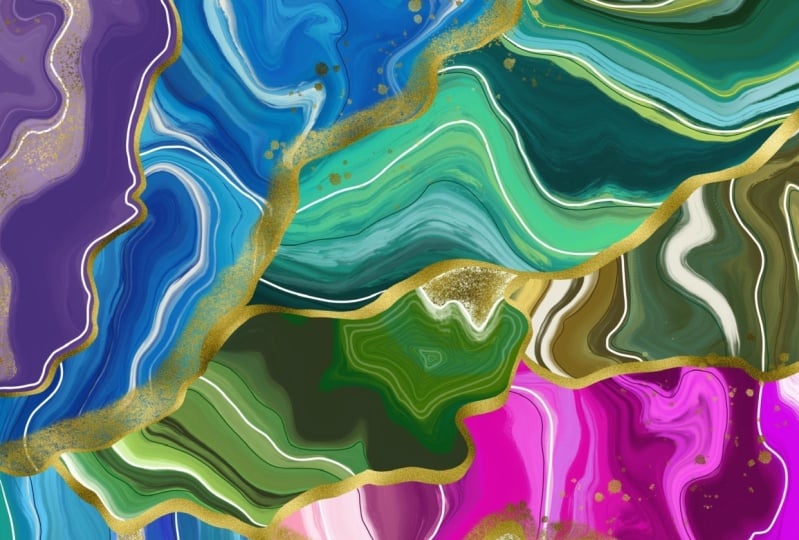
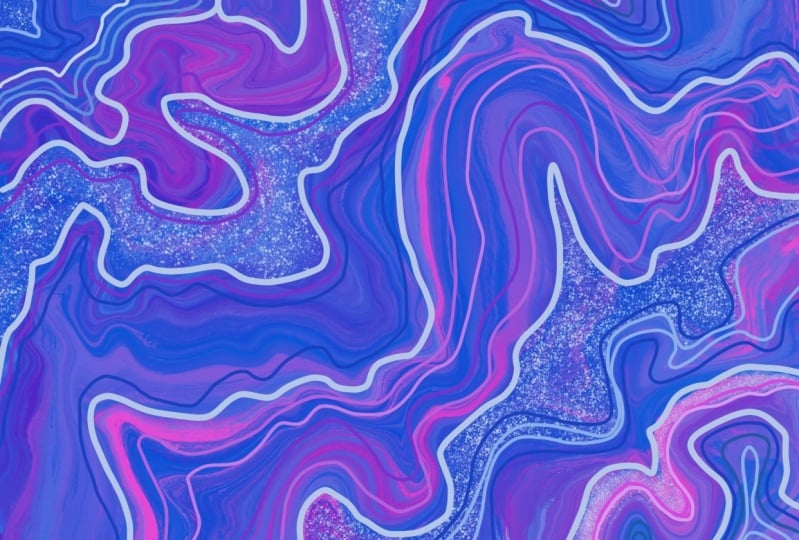
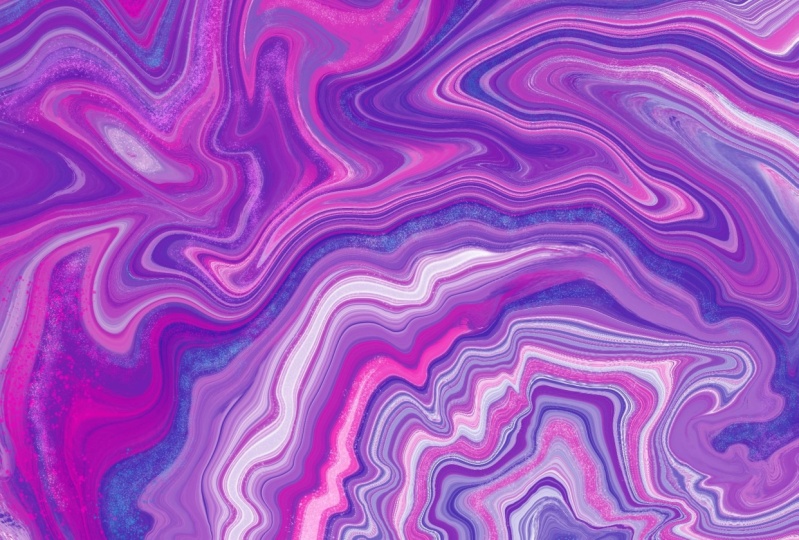
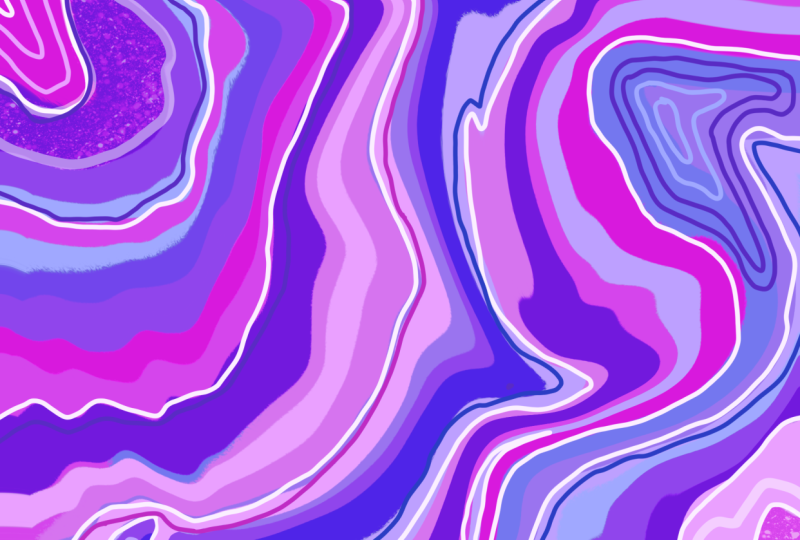
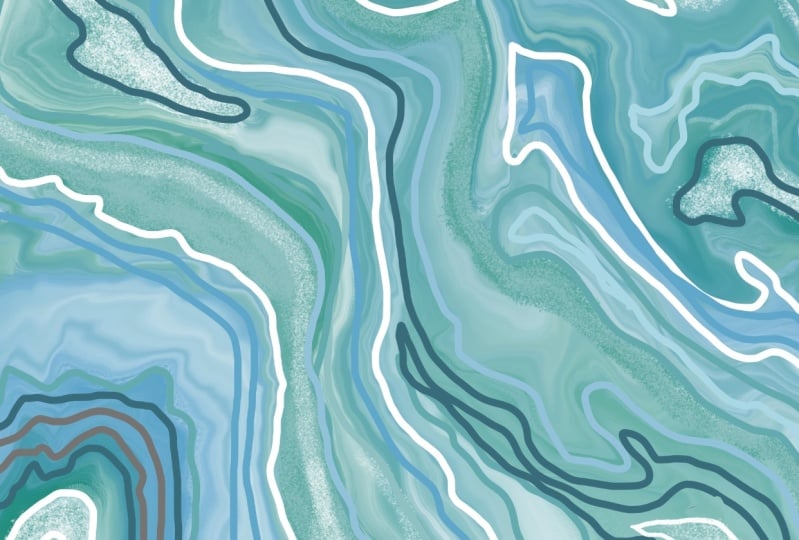
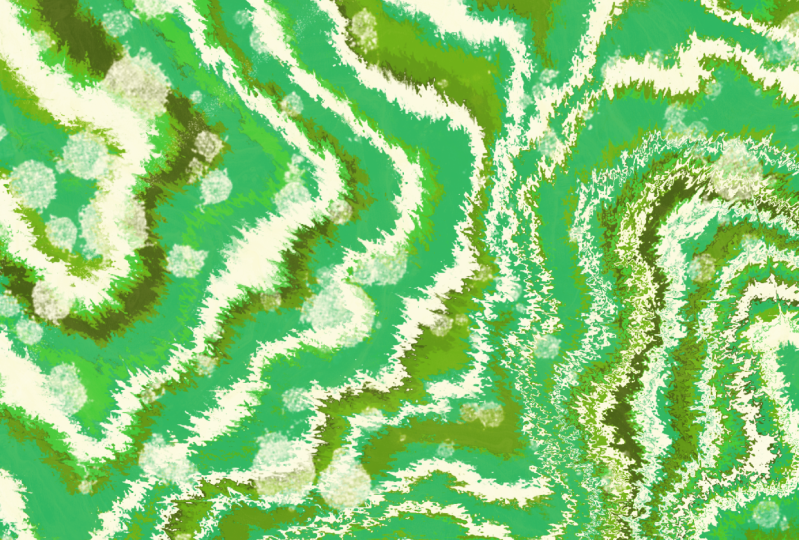
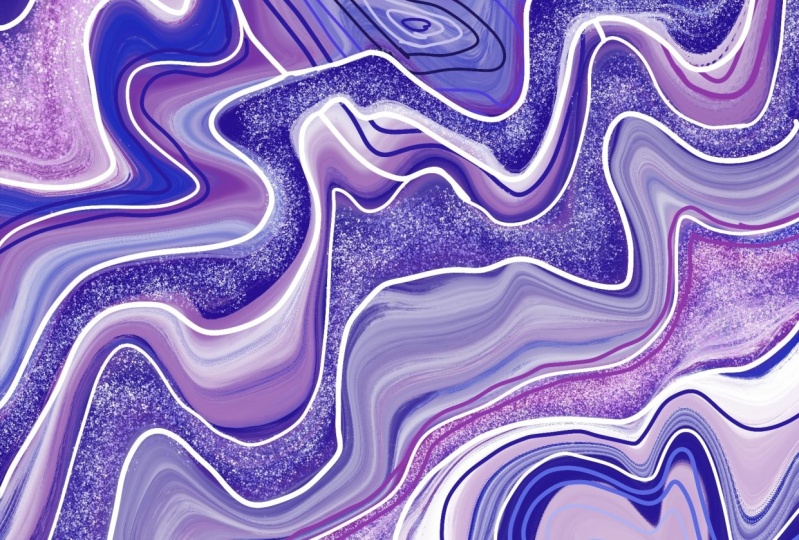
Learn how to digitally draw stunning geode and crystal inspired patterns in Procreate! If you’re looking to learn a new style of drawing in Procreate that will also help you to flex those creative muscles, then this is for you.
In this class, I will teach you how to digitally paint, manipulate and add detail to create a beautiful and unique geode pattern. I will be sharing some of my personal inspiration when it comes to crystals and how I use them to inspire my drawings.
We will cover:
- creating a colour palette
- shortcuts in Procreate
- painting the background design
- using tools like liquify and hue to manipulate our patterns
- drawing on the details
- And more!
I will also show you how to optimise your canvas settings so you can upload your pattern onto print on demand sites, such as Redbubble and turn your one-of-a-kind pattern into gorgeous gifts and homewares!
All you need to get started is an iPad, an apple pencil and a copy of the Procreate Software
Let’s jump in and start drawing!
Class Projects Show All (18)

Please note that this class is provided for personal educational, informational and convenience purposes only, is general in nature and is not intended as a substitute for professional, legal, or medical advice. Read more about this in our Terms of Service.