-
-
1.
Intro
1:23
-
2.
Creating a Canvas
0:55
-
3.
Downloads
2:10
-
4.
04 Sketching
2:48
-
5.
Creating a Palette
0:33
-
6.
Base Colors Pt.1
9:17
-
7.
Correcting mistakes
0:58
-
8.
Base colors Pt.2
3:56
-
9.
Canvas effect
2:07
-
10.
Broad Orchid Details
28:05
-
11.
Finer Orchid Details
11:42
-
12.
Bonus Layer Tip
1:25
-
13.
Painting Buds
9:25
-
14.
Middle Back Orchid
6:17
-
15.
Top Back Orchid
4:10
-
16.
Bottom Area
5:58
-
17.
Bottom Orchid
2:37
-
18.
Middle Front Base
3:16
-
19.
Middle Front Details
10:24
-
20.
Background
4:12
-
21.
Final Adjustments
4:21
-
22.
23 Conclusion
1:15
-
Digital Oil Painting in Procreate: Realistic Orchids
María Fe K., Artist | @MFK_draws
About This Class
Are you a Traditional Artist looking to hop into Digital Mediums? or a Digital Artist wanting to learn realistic painting techniques? Then, this class is for you.
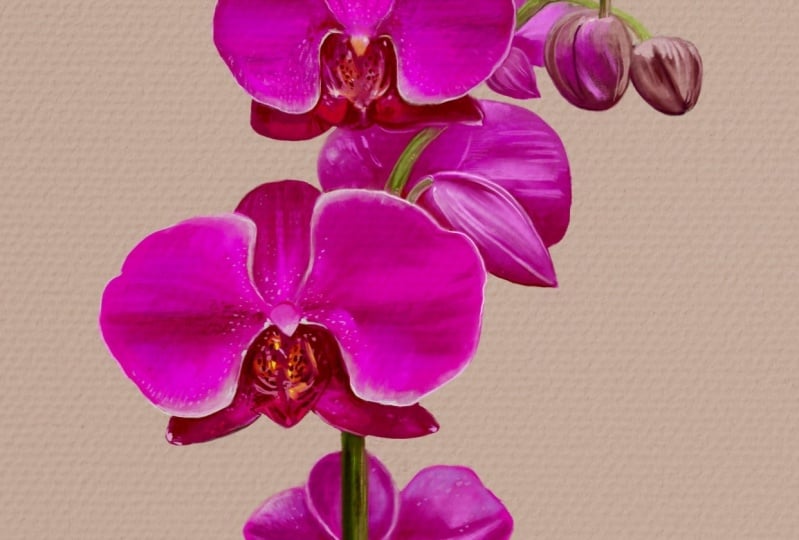
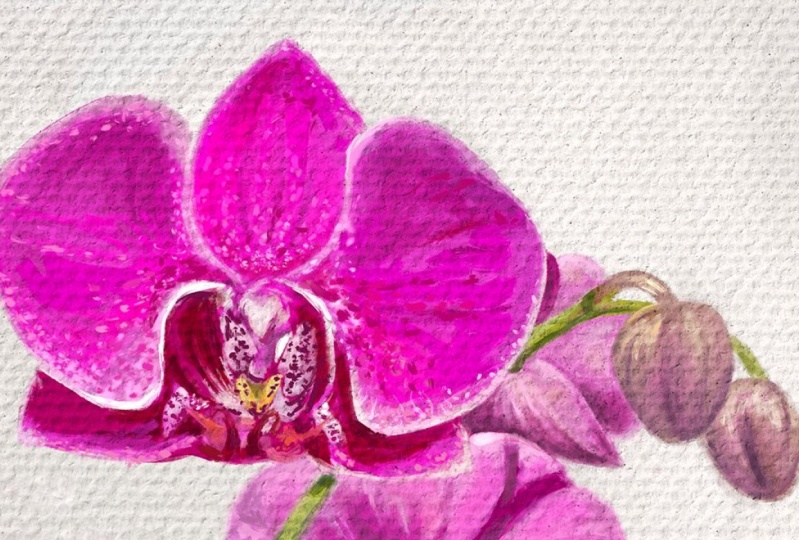
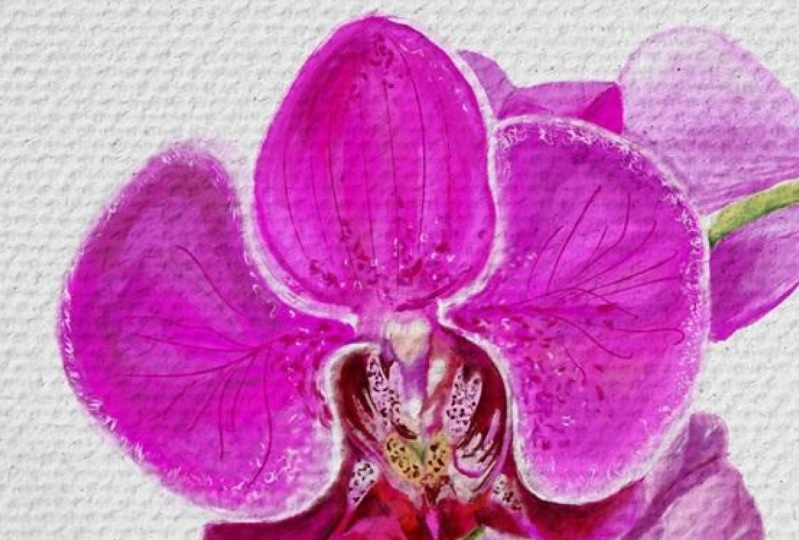
I’m going to guide you step by step on how I made this Orchid painting on Procreate. In its entirety!!
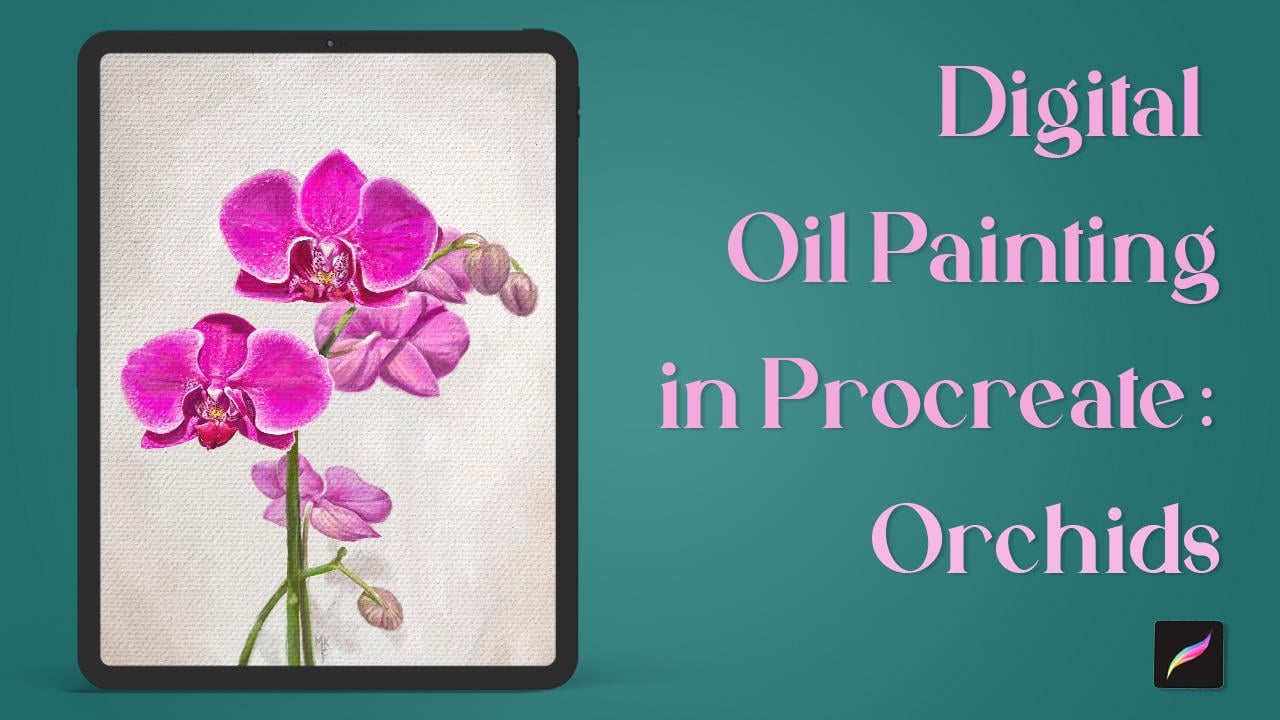
I'll include several Orchid photos you can choose from or, just bring your own image to the Class!
What's important is that you follow along to really learn the technique.
What this class includes:
- Downloading and importing downloads (images and brush set) to Procreate
- Setting an image as a Reference
- Creating a Canvas
- Sketching basics
- Working with layers
- Creating a color palette from an image
- Blocking in colors
- Painting Orchid flowers, buds and stem
- Correcting mistakes
- Applying a canvas effect
- Adding details
- Thicker paint effect
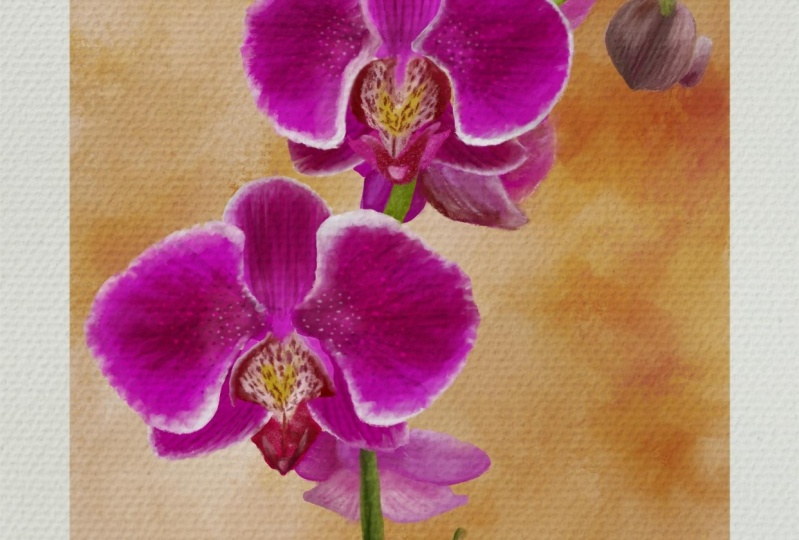
- Achieving a painterly background
- Using the color balance tool
- Using the selection tool
What you’ll need:
- An iPad
- Apple Pencil
- Procreate app
Freebies! To help you achieve this effect, I’ll include the following:
- Free sample of my custom “Oil Painting” Procreate brush set
- Orchid Photo Album (Reference pictures)
- Textured image
Who’s this class for:
This class is suitable for intermediate levels that already have some basic Procreate and color theory knowledge. However, since I will be explaining the Oil Painting effect step by step, I encourage everyone interested in this technique to join!
At the end of the class, you’ll have every tool needed and a strong understanding of how to achieve this Oil Painting effect on your iPad.

Are you ready to start?
-María Fe K.

Let’s connect: Find me on Instagram | Get my Oil Painting brushes with 15% off!
All Procreate brushes: Etsy & Gumroad
Don’t have a Premium membership? Get 1 free month by signing up with this link
Liked this class? Don't forget to leave a Review as they mean a lot <3
Music: Pixabay
_________________________________________
Want to learn more? Check out my other class on how to create Digital Oil Painting in Procreate: Painting Landscapes
Please note that this class is provided for personal educational, informational and convenience purposes only, is general in nature and is not intended as a substitute for professional, legal, or medical advice. Read more about this in our Terms of Service.