-
-
1.
Let's go!
1:58
-
2.
The Project Overview
2:47
-
3.
Sketching and Rendering in Illustrator
14:52
-
4.
Setting Up Ring Lights
4:28
-
5.
Exporting Files to Photoshop
4:36
-
6.
Adding Texture to Your Layers
7:25
-
7.
Lighting to Your Layers
8:00
-
8.
Creating Depth & Touch
11:58
-
9.
Let's Finish This Thing Off!
18:26
-
10.
Breaking Down a Complex Illustration
12:43
-
11.
Final Thoughts
1:19
-
Digital Illustration Techniques: Creating a Paper Pop-Up Style
Michael Fugoso, Illustrator & Designer
About This Class
Want to learn how to take your digital designs to the next level?
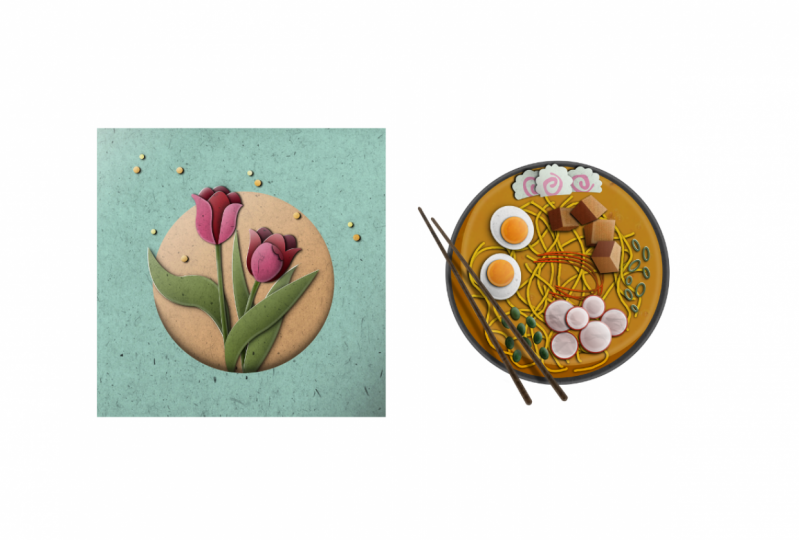
Welcome to my class my friends! In this class, I will be teaching you a unique style that has brought me my biggest clients and a few design/illustration awards and features: the Digital Paper Pop-Up Style.
Imagine the excitement you had as a child when opening your first pop-up book...now imagine providing that same excitement to your clients (or social account) while also providing additional levels of sophistication and the versatility of digital design. To learn how to achieve this standout look, we'll be covering:
- Sketching and rendering your illustration in Adobe Illustrator.
- Setting up ring light effects for extra pop and style.
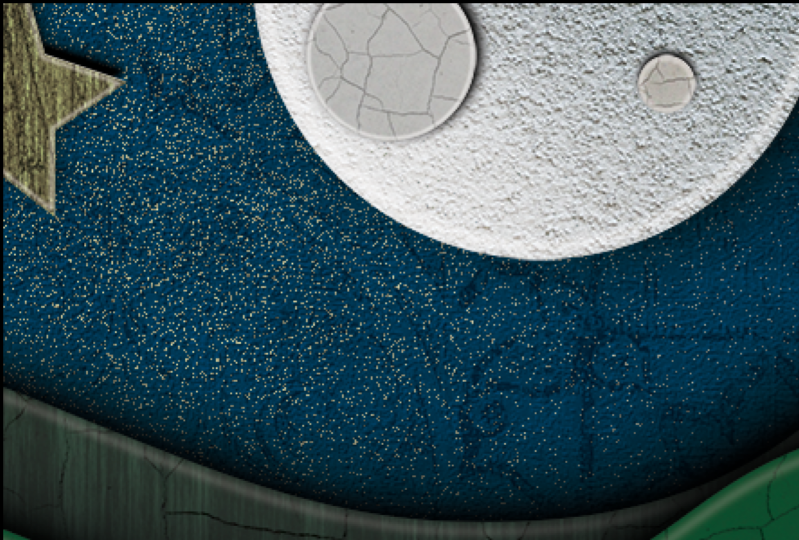
- Adding paper textures to your layers in Adobe Photoshop.
- Creating depth and volume to achieve the 3D look.
Plus tons of digital design Tips & Tricks!
This particular look is one of the styles that stood out the most in my Instagram account (@fugstrator), and is probably the one that brought me the most success. I obviously have not invented this style, but I do make it in a way that has been specific to me for a while. Over the years I have appreciated my followers reaching out and asking me to teach them this particular way of execution. I am excited my friends to finally have this out there and see what you all do with it!


For my latest artwork in this style, check out my Instagram: @fugstrator
Class Projects Show All (146)




Please note that this class is provided for personal educational, informational and convenience purposes only, is general in nature and is not intended as a substitute for professional, legal, or medical advice. Read more about this in our Terms of Service.