-
-
1.
Hello there!
1:51
-
2.
Where to get Images
1:25
-
3.
The Selection Tools
3:43
-
4.
The Transform Tools
3:23
-
5.
The Adjustment Tools
10:02
-
6.
The Project
26:27
-
7.
Closing
0:48
-
Creating Stunning Digital Collages on iPad with Procreate for Beginners
Bryan C'ngan, Graphic | Web Designer
About This Class
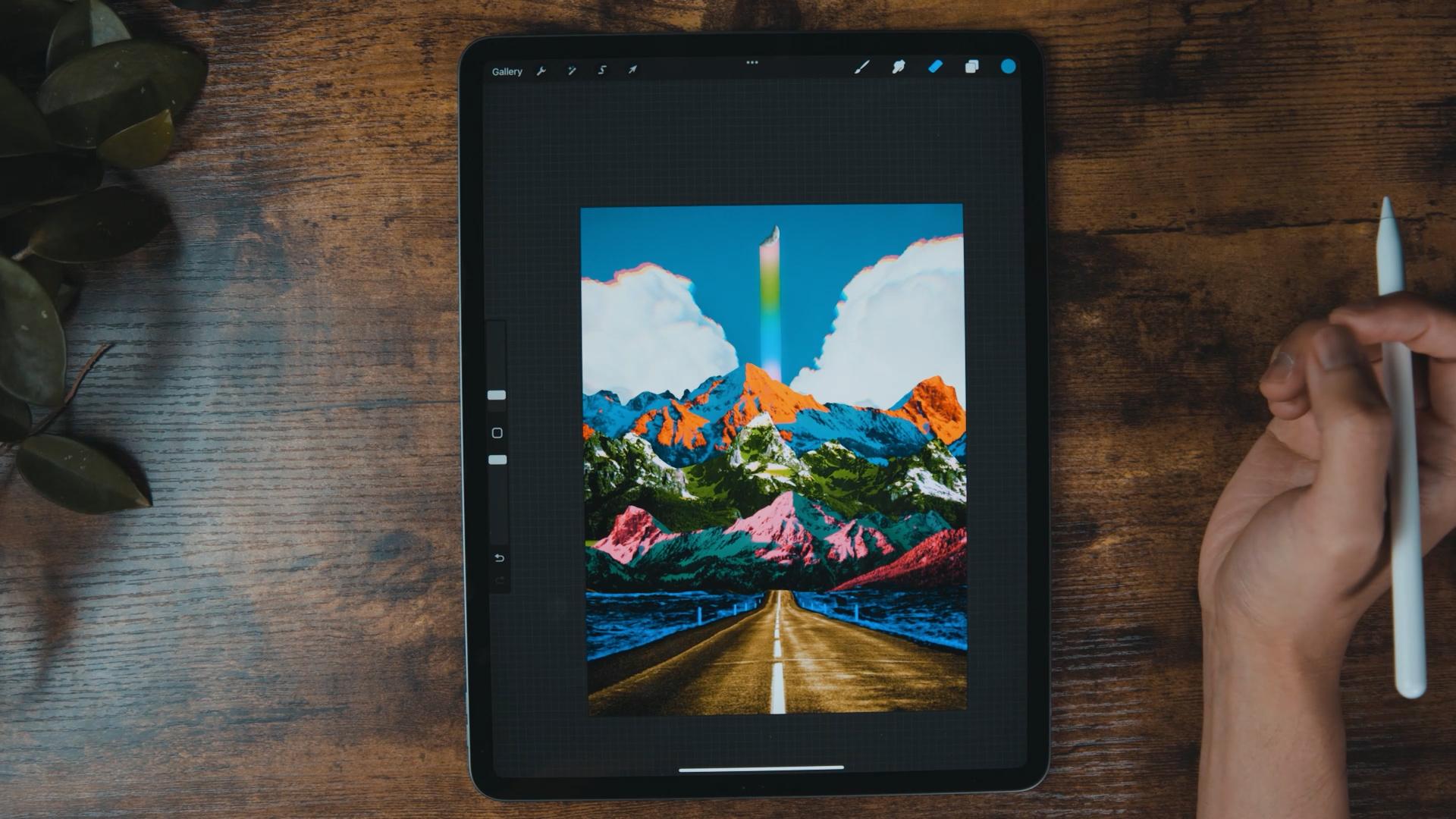
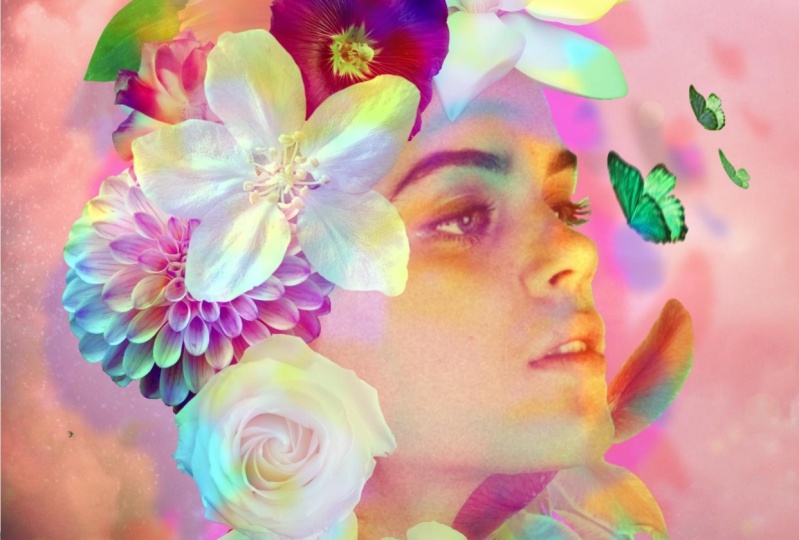
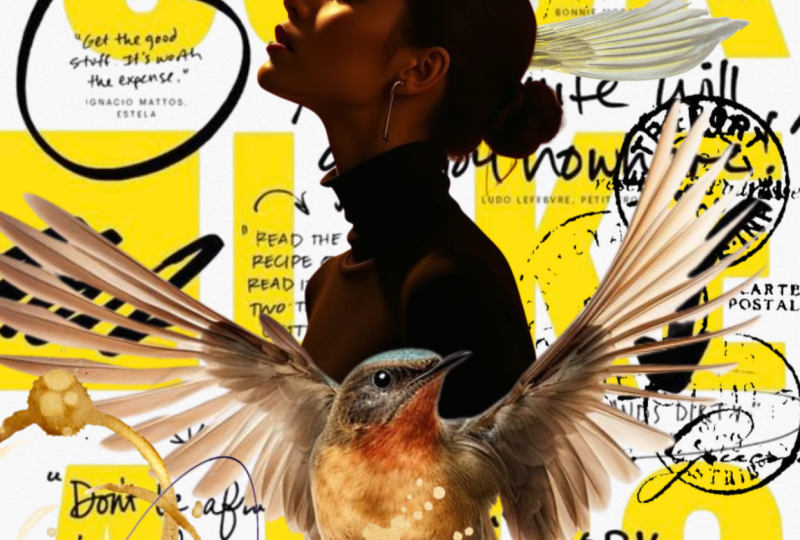
Hello, my name is Bryan and I love to Create Digital Collages in Procreate.
If you love collaging and are someone who is just a beginner in Procreate this course is for you. Together we will learn everything step-by-step from scratch.
This is a task-based course. Instead of trying to learn every single tool which most of the time you don't even need, we will take real-world examples and then learn the necessary tools to make beautiful designs using them.
In this class, you will be learning:
- You will learn the basics of Procreate
-
Where to get images
- Easily use all the magic tools in Procreate like the Transform, Adjustment and Selection
-
Framing out a scene
-
Working in layers
-
Isolating objects
-
Manipulating elements
-
Taking advantage of blend modes
-
Utilizing the power of color
- Color grading and matching
By the end of this course, you will be able to create your Digital Collage in Procreate
So grab your iPad and let's get started!
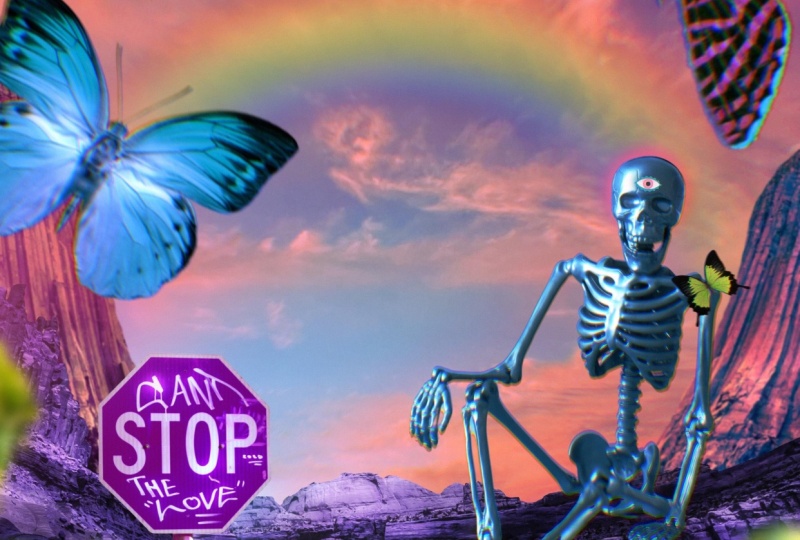
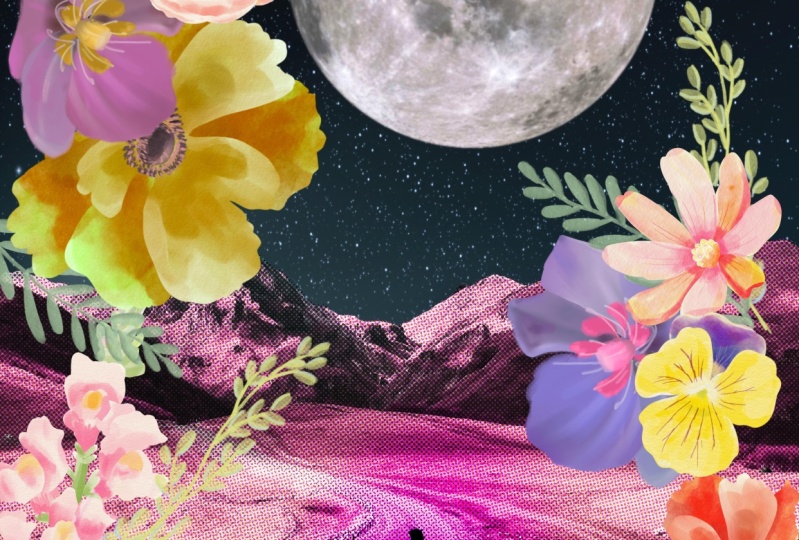
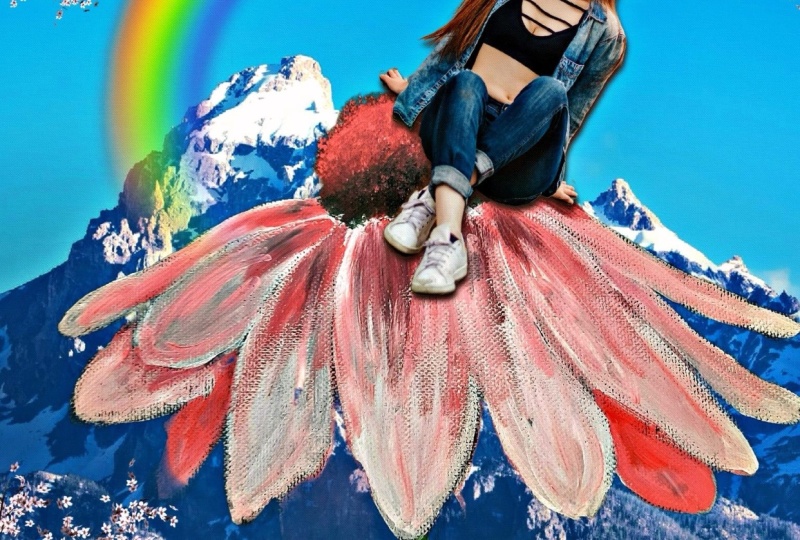
Class Projects Show All (19)



Please note that this class is provided for personal educational, informational and convenience purposes only, is general in nature and is not intended as a substitute for professional, legal, or medical advice. Read more about this in our Terms of Service.