-
-
1.
Let's Get Started with Canva
1:47
-
2.
Welcome to the Class!
1:16
-
3.
Downloading Files and Free Shortcuts
5:33
-
4.
Introduction to Canva
3:41
-
5.
A Minimalistic Wedding Deck - Adding Colors
4:53
-
6.
Adding Text & Duplicating Text
7:26
-
7.
Adding Graphic Elements & Lines
6:40
-
8.
Exporting to Jpeg, PDF, for Print & more
1:15
-
9.
Save the Date - Format & Size
2:22
-
10.
Save the Date
8:16
-
11.
Save The Date - Design Variations
4:00
-
12.
Image Editing, Auto Blur & Filters
2:00
-
13.
Placing Images Inside Arch Shape
2:58
-
14.
Placing Images inside Frames, Polaroids & Torn paper
3:48
-
15.
Creating Image Grids
3:15
-
16.
A Floral Wedding Invite - Brand Colors
4:12
-
17.
Drawing Arches, Text & Resize from Center
9:40
-
18.
Adding Superscript Ordinal for 'th'
2:45
-
19.
Adding Fall/Autumn Leafy Flowers
2:46
-
20.
Moving Layers back with Shortcuts & Duplicate
9:44
-
21.
A Much Appreciated Class Review
0:22
-
22.
A Version for Save the Date
5:11
-
23.
A Traditional Floral Invite Design
8:47
-
24.
BONUS: Animated Save the Date Video
5:24
-
25.
Easy Animation with Canva
4:53
-
26.
Editing Timelines Duration & Splitting Frames
2:31
-
27.
Adding gorgeous Illustrations: Couples, Florals & more
9:00
-
28.
Exporting MP4, GIF & as separate files
3:55
-
Canva for Beginners: Design Stunning DIY Wedding Invites, Save-the-Dates & More
Kate Silver, Graphic Designer & Adobe Instructor
About This Class
Learn Canva for Beginners + DIY wedding invites! Whether you're a beginner, planning your own wedding or thinking about starting a side business in Graphic Design, this class is for you!
I actually designed my own sister's save-the-date using Canva, and now I’m excited to share everything I’ve learned with you.
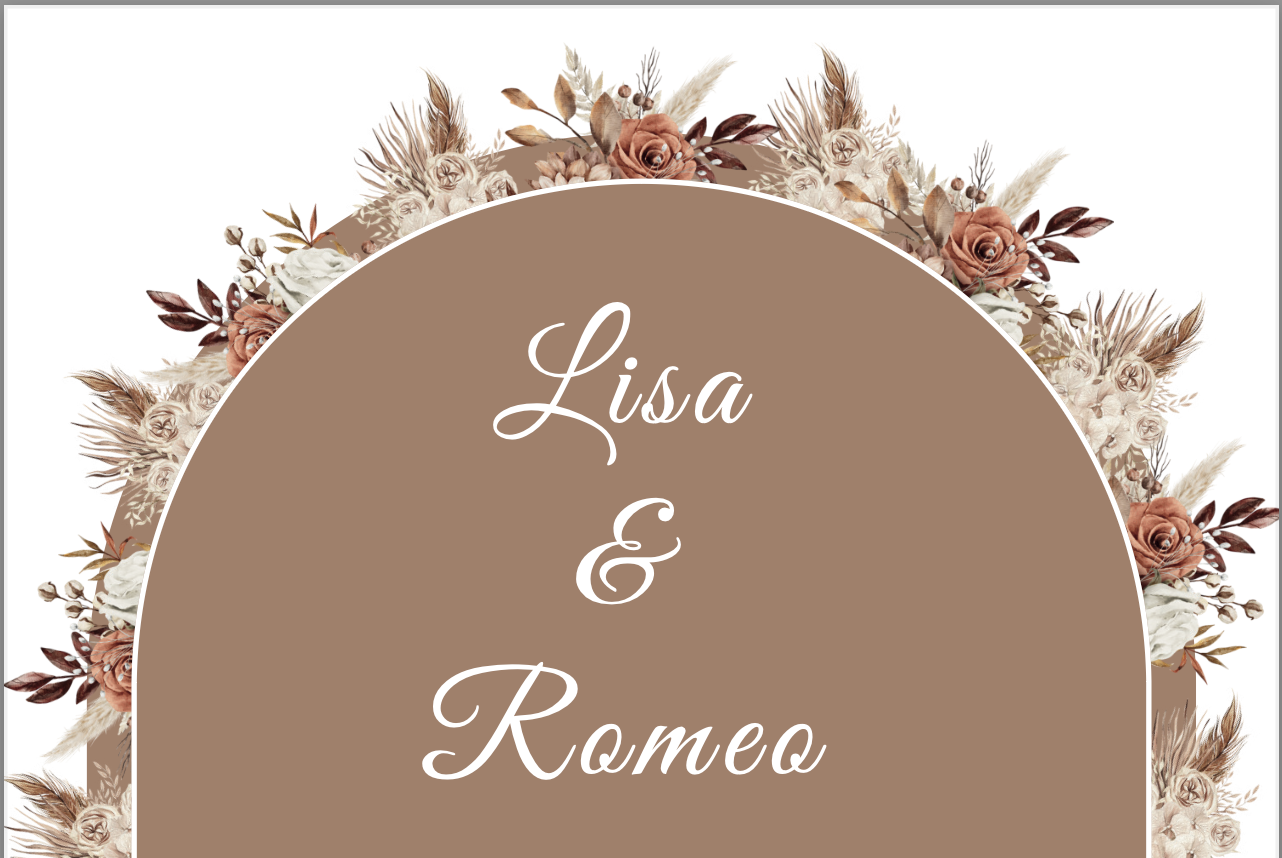
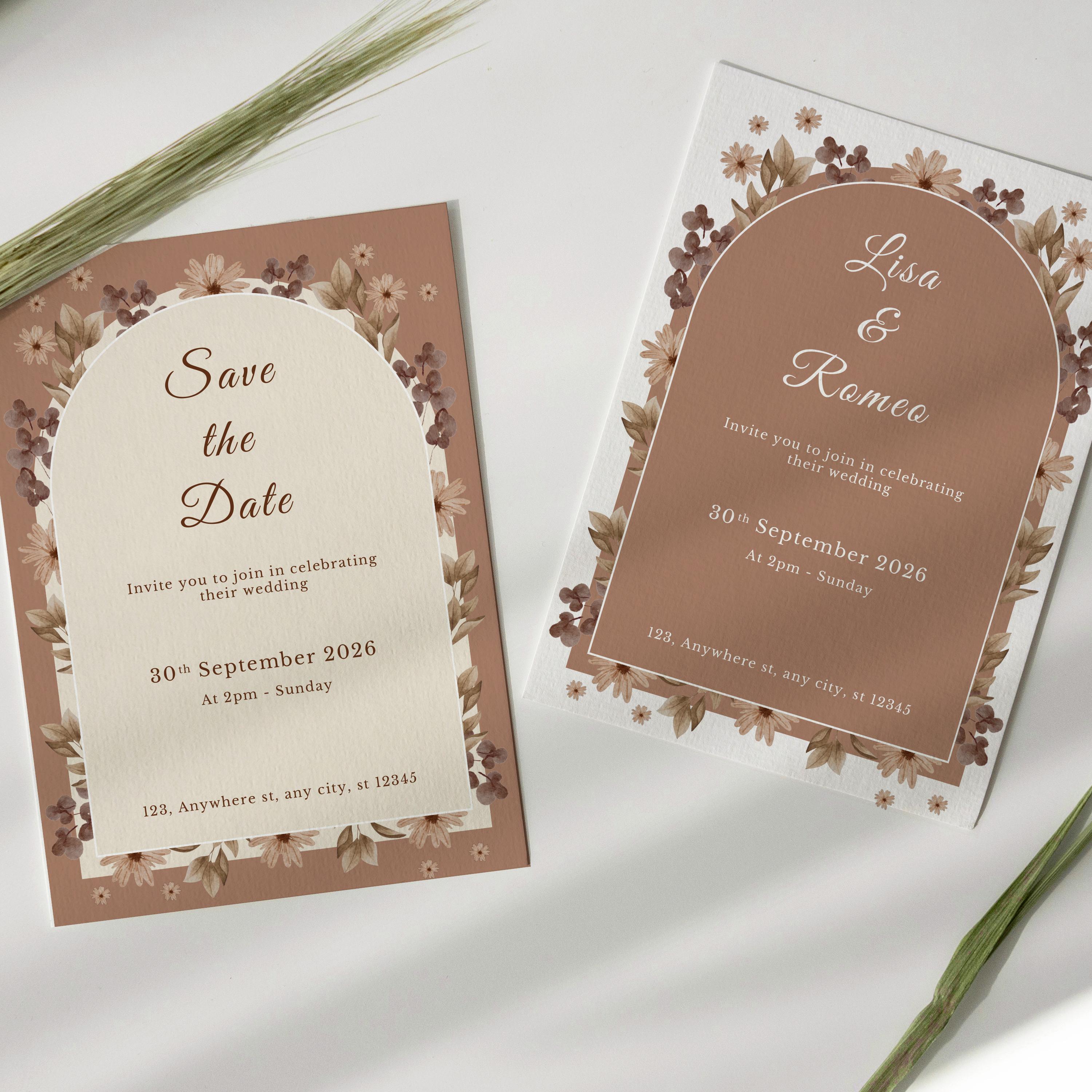
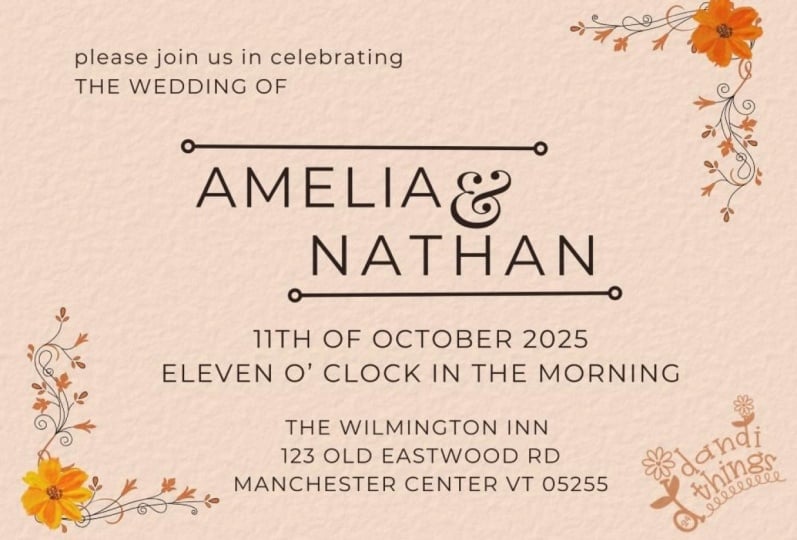
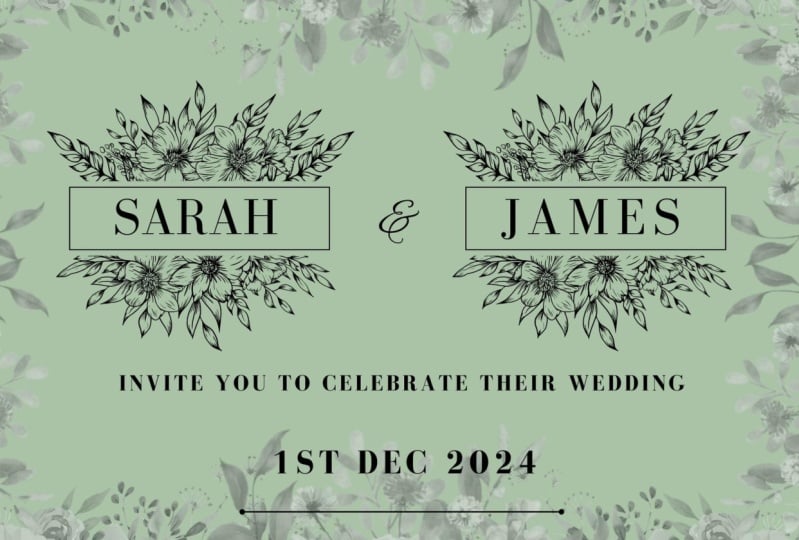
In this Two-in-One class, I’ll walk you through the entire process—from the basics like shortcuts, fonts, and wedding formats, to more advanced projects like designing minimalistic invites, working with photos, and creating animations with illustrations and GIFs. You’ll have everything you need to design gorgeous, Canva wedding templates, personalized wedding stationery that’s ready to print or send digitally.
No design experience? Don’t worry! I’ll guide you step-by-step, and you’ll also get downloadable cheat sheets with all the essential shortcuts and wedding design sizes to make things easier. Whether you’re designing for your own big day or launching a small business, this class will help you create stunning, professional designs in Canva.
With this class you won't only learn Canva’s full capabilities but also get exclusive wedding design tips and templates as part of the course!
This class is a Comprehensive Canva Training that covers everything a beginner needs to know!
This Class is for:
Beginners: Learn Canva from scratch
Self-Taught Canva-users: Learn more efficient Tips
Wedding Designers: For wedding-related content
----
Sign up to Canva Pro: https://partner.canva.com/RGYqZy
Class Projects Show All (6)
Please note that this class is provided for personal educational, informational and convenience purposes only, is general in nature and is not intended as a substitute for professional, legal, or medical advice. Read more about this in our Terms of Service.