-
-
1.
Introduction
0:54
-
2.
Making A Line Up Image
2:05
-
3.
Using A Line Up Image
1:20
-
4.
Start At The End
2:06
-
5.
Animating Backwards
4:30
-
6.
Keep It Clean
0:45
-
7.
Play It Forwards
0:46
-
8.
Outroduction
1:22
-
Animate Perfect STOP MOTION Logo/Text (Using Dragonframe)
Tortor Smith, Animator, Director, Artist
About This Class
Do you ever see a piece of stop motion animation and wonder how they got things to look so perfect?
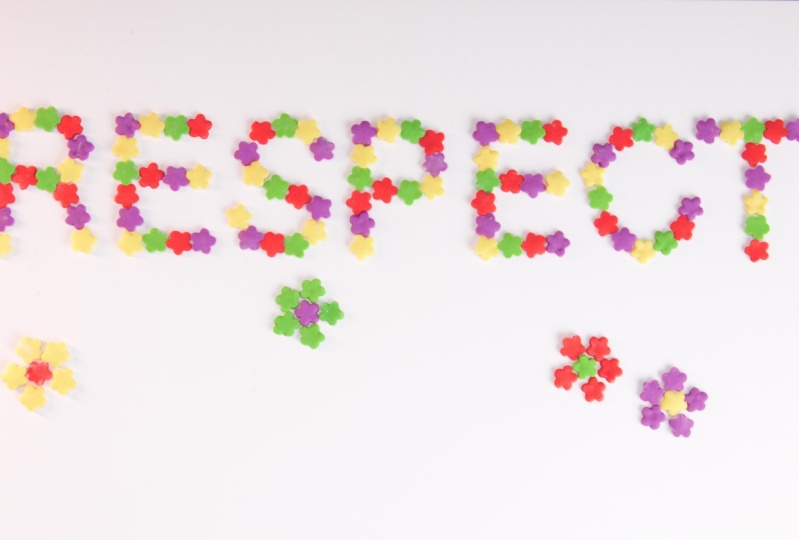
In this class you are going to learn one method of ensuring your stop motion always looks as you had planned. Using Dragonframe and the line-up Image features we are going to get things picture perfect, every time.
In this course you will learn:
- How to make a Line-up image in Photoshop
- How to use a Line-Up image in Dragonframe
- How/Why you should be animating backwards
- How to clean up a dirty table when using clay
Some understanding of the stop motion technique is ideal, but even if you have never animated before if you follow the lessons step-by-step you should still be able to achieve something great.
Feel free to use the concepts I have given and extend the idea according to your own capabilities, and requirements, the only limit is your own imagination.
You will need:
- A form of stop motion capture software like Dragonframe 4 (30-day FREE trial is fine)
- A DSLR (that is Dragonframe compatible). A full list of Dragonframe compatible cameras can be found here: https://www.dragonframe.com/camera-support/
- Something to animate with: clay, pasta, rice, Lego etc.
- Photoshop software (or equivalent) for making Line-Up image

Learn even more with my tutorials on YouTube
Find other great Skillshare classes on animation.
Class Projects Show All (5)


Please note that this class is provided for personal educational, informational and convenience purposes only, is general in nature and is not intended as a substitute for professional, legal, or medical advice. Read more about this in our Terms of Service.