-
-
1.
Intro
1:41
-
2.
Class Orientation
0:41
-
3.
Gallery & New Canvas
3:05
-
4.
Time-lapse Recording & Procreate Handbook
2:08
-
5.
Gestures & QuickShape
2:21
-
6.
Brushes & Erasers
4:44
-
7.
Color
4:49
-
8.
Layers
5:11
-
9.
Transform & Selection Tools
4:16
-
10.
Symmetry
1:39
-
11.
Reference Photos
2:09
-
12.
Draw a Butterfly + Extra Tips & Tricks
9:57
-
13.
Export
1:49
-
14.
Conclusion
0:48
-
A Beginner's Guide to Procreate: Digital Illustration on the iPad
Genna Blackburn, Surface Designer & Illustrator
About This Class
If you want to draw on the iPad, Procreate is the program for you. But are you super overwhelmed about how to get started?
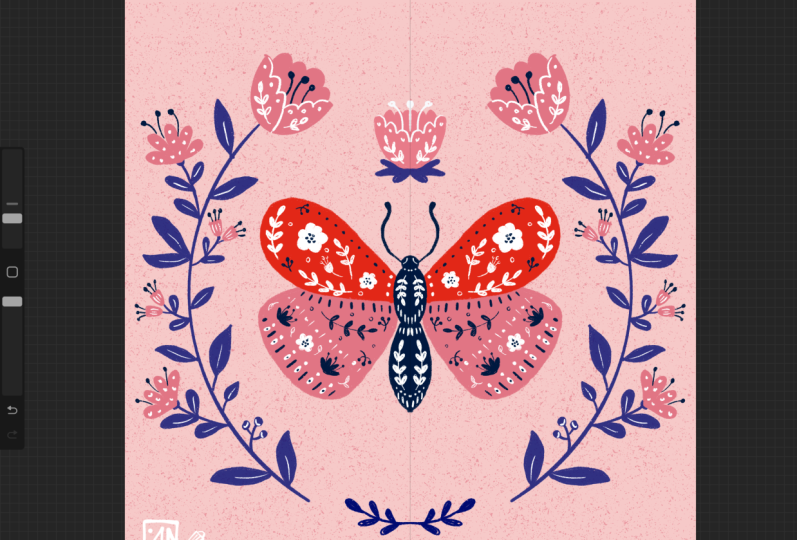
Join surface designer, Genna Blackburn, as she walks you through the basics of Procreate. This class is a quick start guide so the most useful tools are covered first so you can jump in right away! Then, learn when to use each tool (and pick up extra tips & tricks along the way) while you create a butterfly illustration with Genna.
In this class, you’ll learn how to:
- Create a new canvas
- Create a time-lapse video
- Use brushes and erasers
- Work with layers
- Use the transform and selection tools
- Add reference photos
- Use the symmetry drawing assist feature
- Apply each tool PLUS extra tips & tricks while illustrating a butterfly
- Export your drawing
This class is for you if you are completely new to Procreate and want to learn how to draw very simple illustrations, or if you are familiar with Procreate but are curious about how I work in the program.
Procreate is useful whether you’re just looking to have fun drawing on the iPad, or you’re an illustrator or designer who wants to take your work to the next level.
No prior knowledge of Procreate is required.
Class Projects Show All (157)





Please note that this class is provided for personal educational, informational and convenience purposes only, is general in nature and is not intended as a substitute for professional, legal, or medical advice. Read more about this in our Terms of Service.